Your subscription
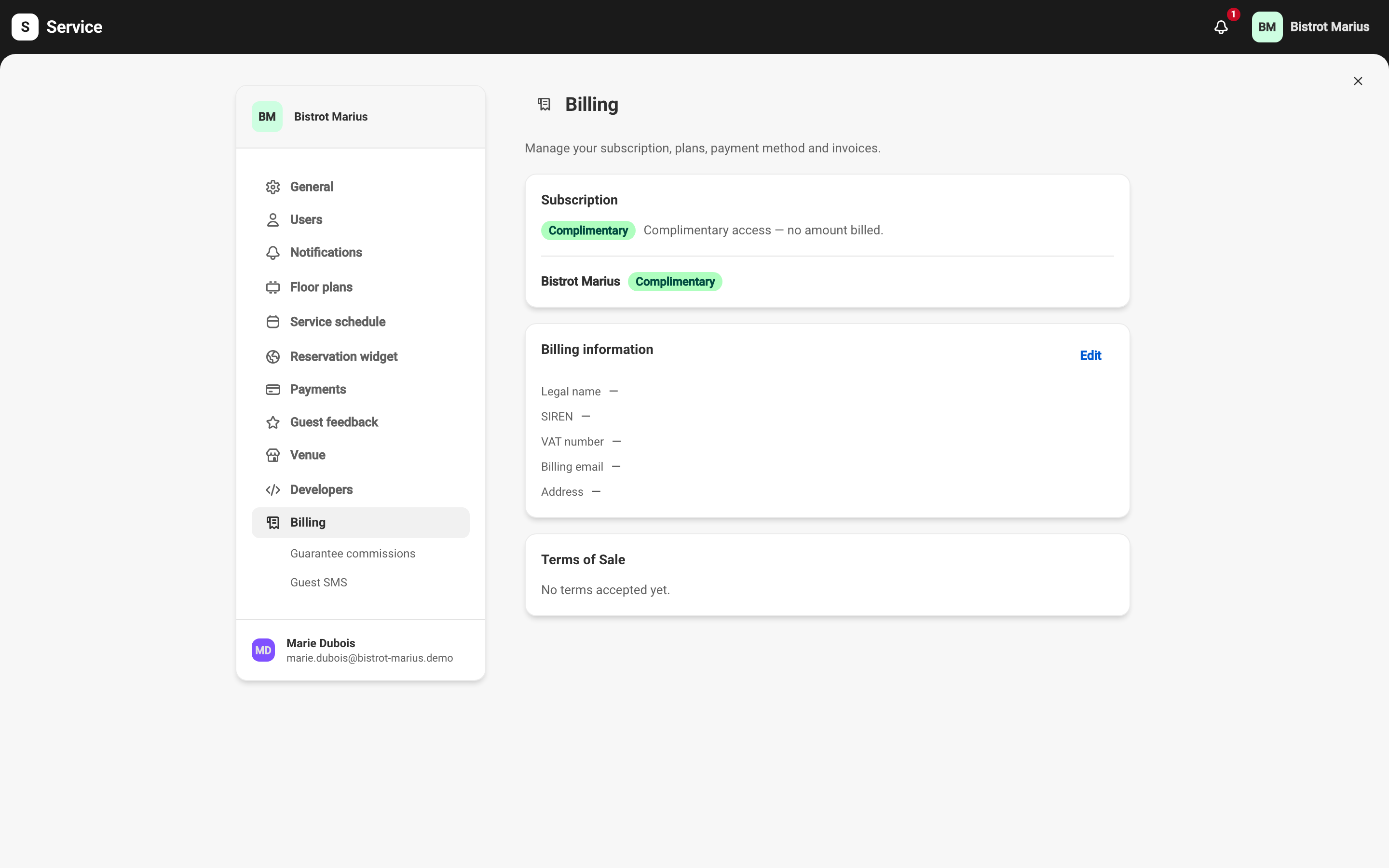
Your subscription is what Service bills your venue. You manage it from the Billing page.
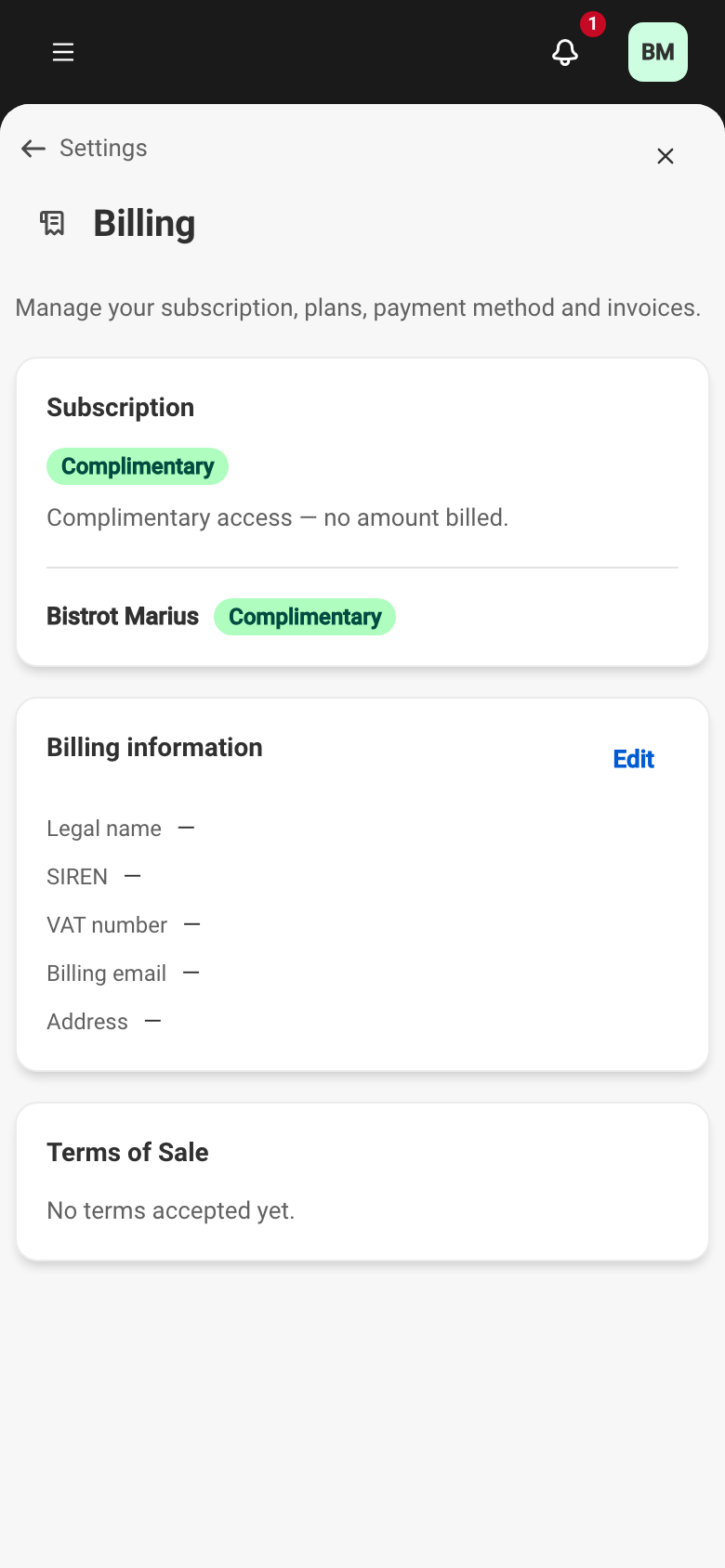
SettingsBillingEach venue carries its own plan within a billing account. The page shows, for each venue, its plan, its monthly price and its status.
The two plans
Section titled “The two plans”Two plans exist, billed per venue per month, excluding tax. Applicable VAT is added, and the amount including tax is shown next to the amount excluding tax.
| Plan | Price | Includes |
|---|---|---|
| Standard | €79 excl. VAT / month / venue | Unlimited online bookings, Commission-free |
| Premium | €139 excl. VAT / month / venue | Everything in Standard, plus: Multi-venue features, API & webhooks |
Commission-free means Service takes nothing on your bookings. The only commission applies to a booking guarantee that is actually charged, and it is described in Guarantee commission invoices.
What each status means
Section titled “What each status means”The status shown on a venue tells you where its billing stands.
| Status | What it means |
|---|---|
| Complimentary | Full access, no amount billed. |
| In setup | The venue has not gone live yet. It bills nothing until it does. |
| Active | The subscription is running and billed each month. |
| Payment failed | The last debit failed. The payment method needs updating. |
| Suspended | The venue’s online bookings are suspended after a failed debit. |
| Cancelled | The account’s subscription has ended. It can be reactivated. |
| Ended | Billing for this venue has been stopped. |
A free trial is not a venue status but an account state: the Subscription card then carries the Free trial badge, with full, free access until a scheduled date (you are notified 15 days before it ends). Each venue on trial shows Trial — ends [date] until a plan has been confirmed.
To bring a venue live, see Starting to pay. To change plan, end or resume billing, see Changing or ending a plan. Your invoices and billing details are in Billing details and invoices.