The duplicates queue
Two profiles sometimes end up describing the same person: a guest books once with their email, another time with their phone, and Service is left with two profiles for one diner. The Duplicates queue gathers these pairs so you can join them.
GuestsDuplicatesThe count of pending duplicates shows next to Duplicates in the Guests menu. Reading the queue is open to your whole team; merging or dismissing a pair needs a manager or owner role.
Why two profiles land here
Section titled “Why two profiles land here”Service compares profiles in the background on every create or edit, and sweeps the whole database once a week. When two profiles look alike enough, it brings them together:
- Obvious duplicate — same email or same phone, compatible names, and nothing that contradicts. Service merges them automatically. The merge is recorded in the kept profile’s history and can be undone at any time. See Merging two guest profiles.
- To review — a strong resemblance but some doubt: a different name behind the same address, a birthday that diverges, or names that are only similar. Service does not decide for you and places the pair in the queue.
Reading the queue
Section titled “Reading the queue”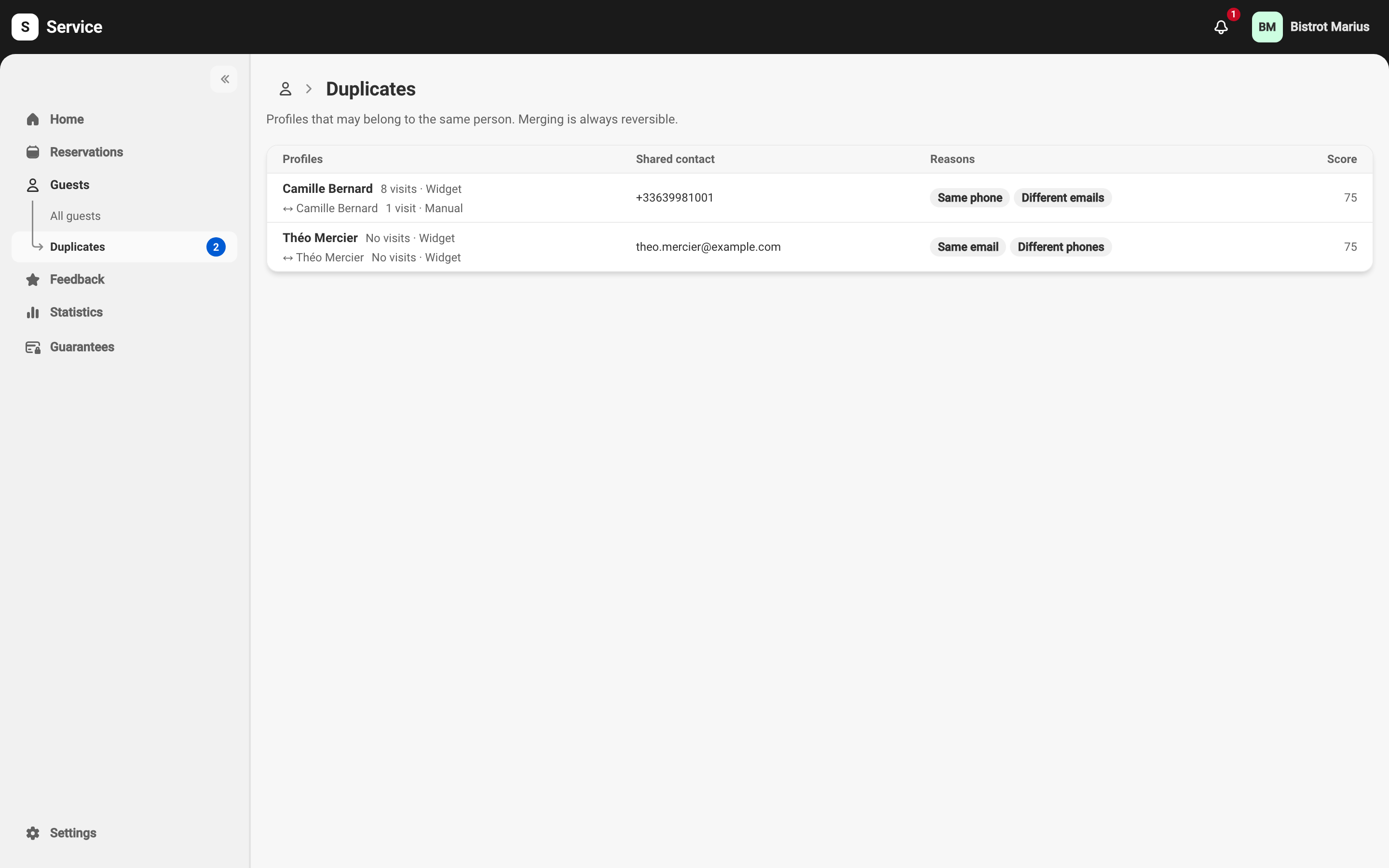
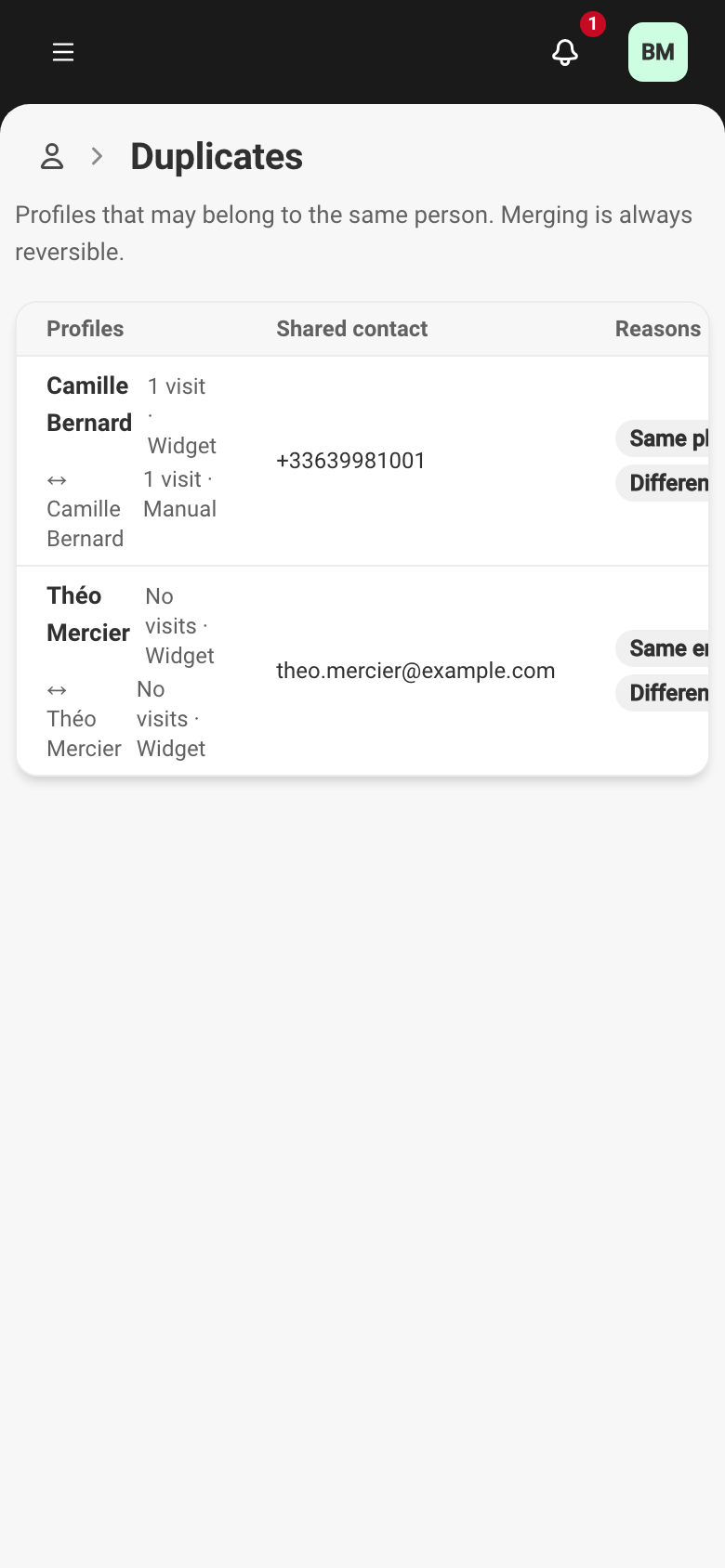
Each row has four columns:
- Profiles — the two guests brought together, with each one’s visit count and origin.
- Shared contact — the email or phone the two profiles have in common.
- Reasons — what brings them together. A pair Service would merge on its own carries an Automatic merge marker.
- Score — a confidence figure. The higher it is, the more likely the two profiles are the same person.
The most common reasons:
- Same email or Same phone — the contact detail is identical.
- Same email · different names — the address is shared but the names diverge.
- Different emails or Different birthdays — a detail contradicts from one profile to the other.
- Similar name — the names look alike without being identical.
- Profile without a name — one of the two profiles has no name.
- Kept separate by staff — someone saw the match as they typed and chose Create a separate profile (see below).
Deciding on a pair
Section titled “Deciding on a pair”Click a row to open the Potential duplicate page. It places the two profiles side by side, shows what the merge would produce, and offers two actions:
- Merge — joins the two profiles into one. The detail of how fields are chosen is described in Merging two guest profiles.
- Not the same person — dismisses the pair. It will never reappear in the queue, even if the two profiles change later.
The After action setting chooses what happens once a pair is handled: go back to the list, or move on to the Next duplicate.
The cases left for review on purpose
Section titled “The cases left for review on purpose”Three situations look like a bug and are not:
- A profile without a name never merges on its own. Even with an identical email or phone, if one of the two profiles has no name, Service does not merge automatically — it waits for your confirmation. A missing name does not prove it is the same person.
- An address shared by two people stays two profiles. A couple booking with the same email address but under two different names gives two profiles. Service creates the second profile and offers you the pair for review, rather than attaching two diners to a single profile.
- A pair separated by hand comes back to the queue, and stays there. When the reservation form flags Already known and your team answers Create a separate profile, the pair lands here with the reason Kept separate by staff. It is then never merged automatically again, however obvious the match looks: a human decides. To clear it, decide it — Merge or Not the same person.