Seat a walk-in guest
A guest arrives without a reservation — a walk-in. You seat them straight from the floor plan, starting from their table.
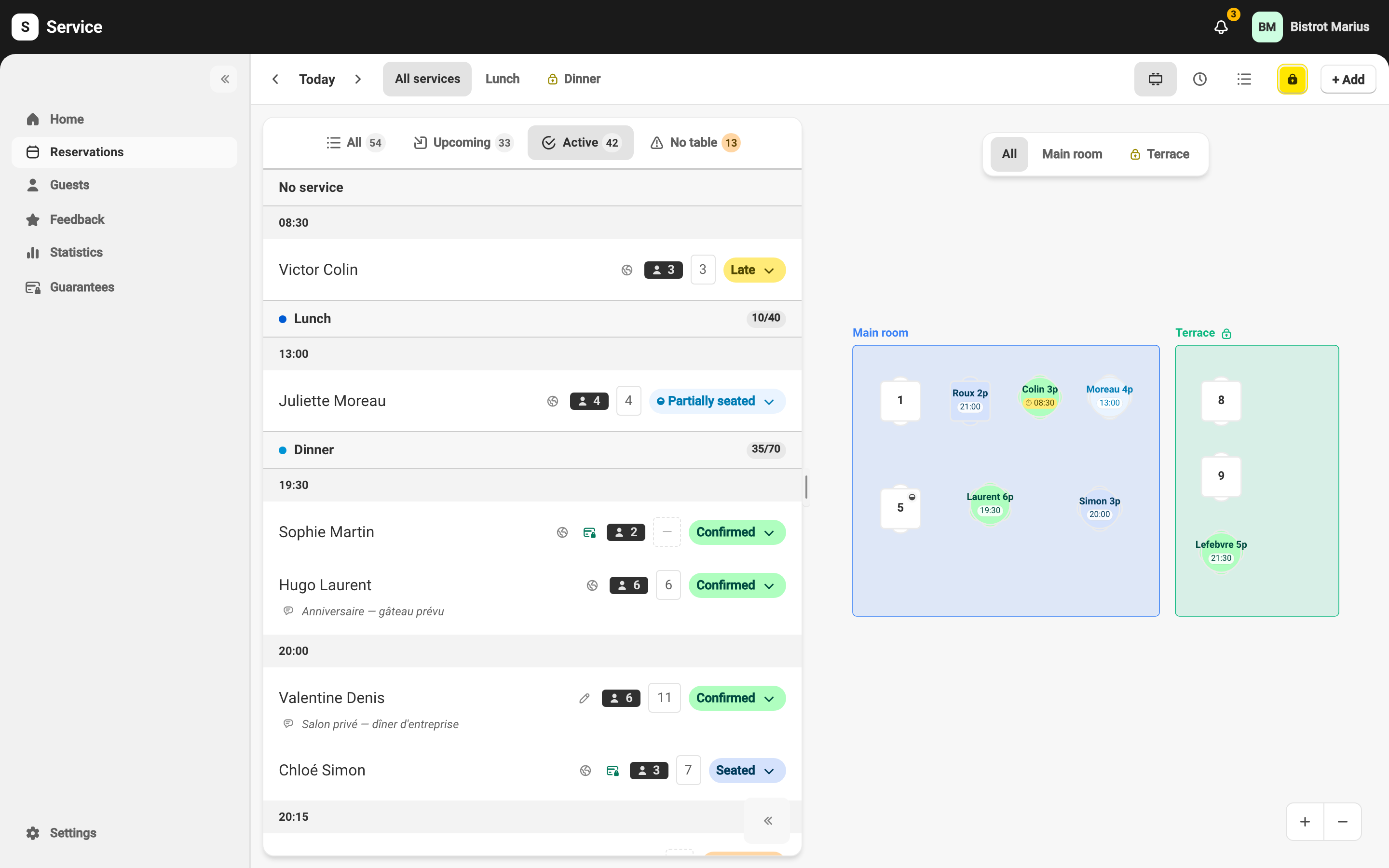
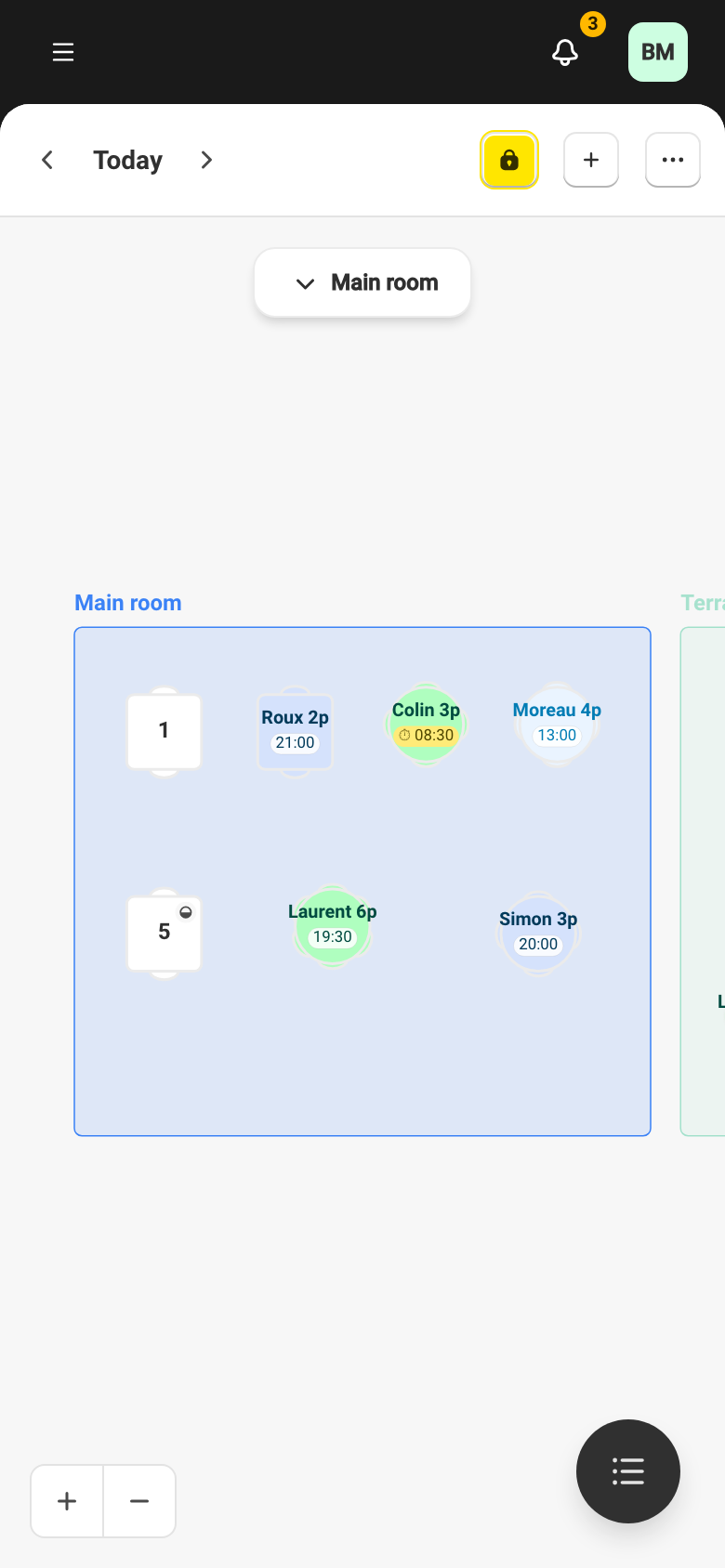
Seat from the floor plan
Section titled “Seat from the floor plan”-
On the Reservations page, in the floor plan view, tap the table to assign.
-
In the table card, choose Add walk-in.
-
Enter the Party size on the grid, or >12 then Validate for a larger group.
-
The guest is seated immediately at that table.
Walk-in or reservation?
Section titled “Walk-in or reservation?”A walk-in is seated on the spot, with no confirmation step. A reservation booked ahead follows the usual path: it is Confirmed, then seated when the guest arrives. To record an upcoming reservation, see Create a reservation for tonight.