Webhooks
A webhook tells your server when something changes. Service sends a POST request to the endpoint you declare whenever this venue’s reservations or guests change. The Webhooks section lives in the Developers area.
SettingsDevelopersLike API keys, webhooks belong to the Developers area and the Premium plan — see API keys for access and plan.
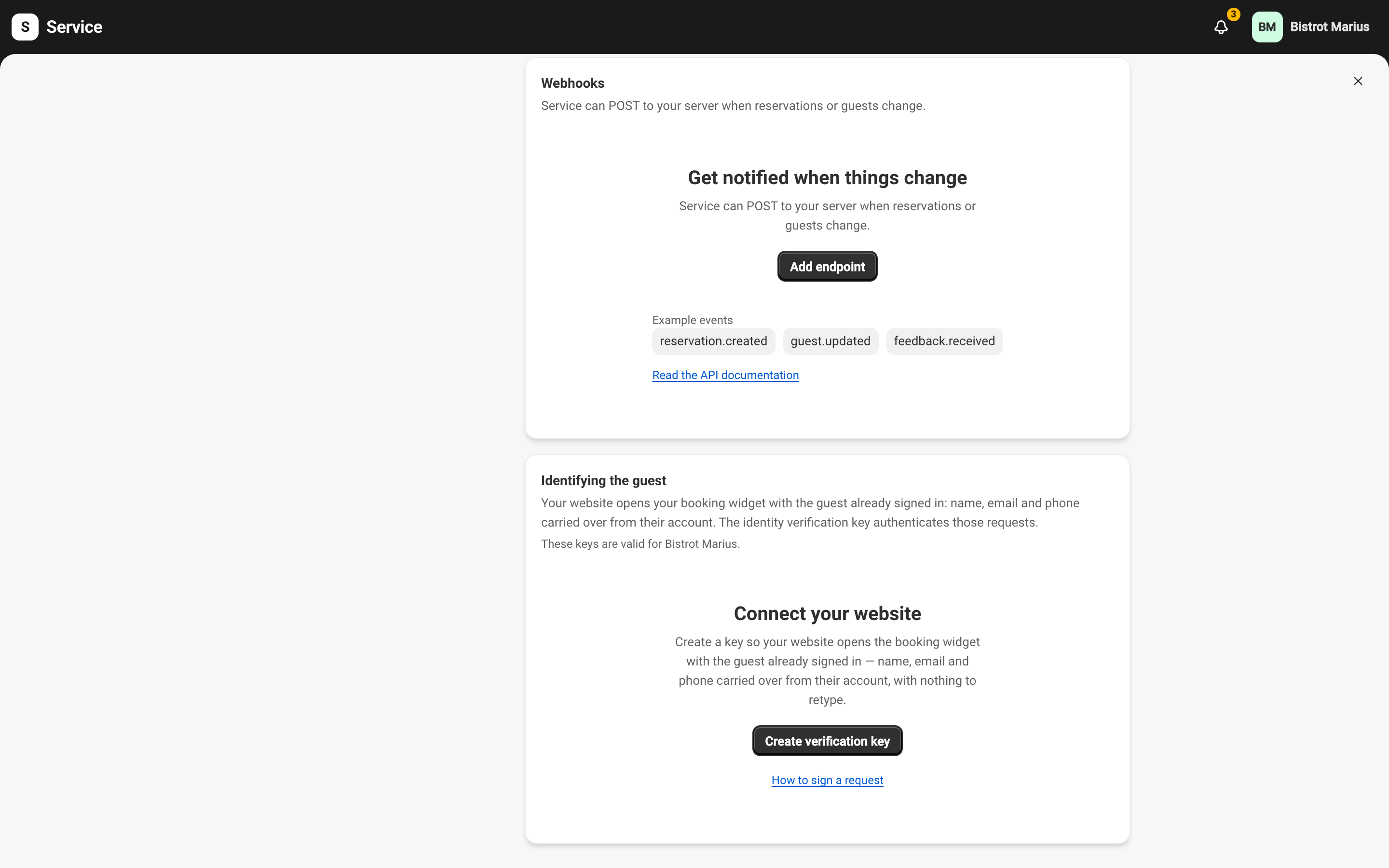
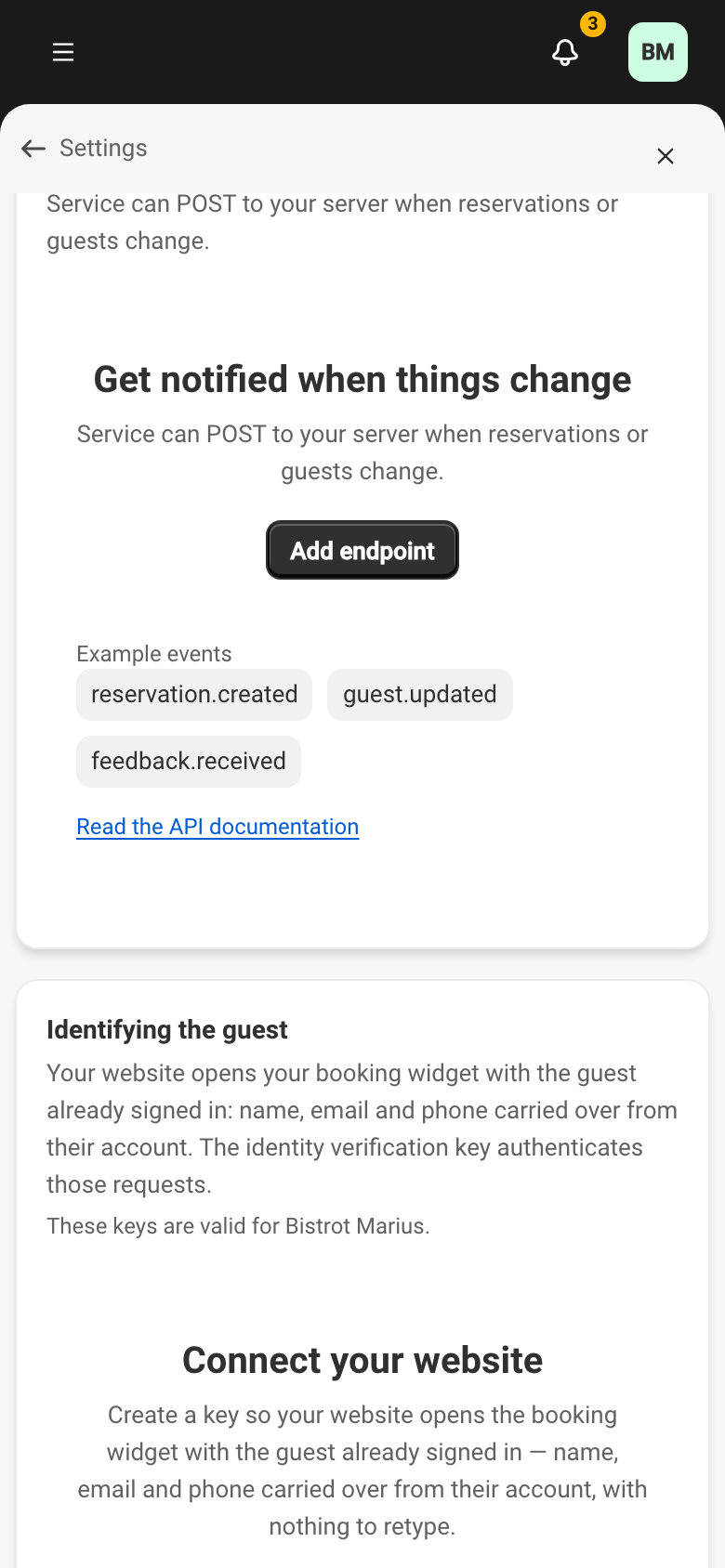
Adding an endpoint
Section titled “Adding an endpoint”The Add endpoint button opens a panel with:
- Endpoint URL — the address that receives requests. It must be HTTPS.
- Description — optional, to help you recognise it.
- Events to send — pick specific types, grouped into Reservations, Holds, Waitlist, Guests and Feedback, or tick Send all event types (future events included). Holds are the tables a connected system keeps aside over the API while a guest decides.
- Active — an inactive endpoint receives nothing.
The API version is pinned at creation. On confirmation, a signing secret is shown.
The signing secret
Section titled “The signing secret”Each delivery carries a Service-Signature header. The signing secret is what you use to verify that header on your server, confirming the request really comes from Service. On the endpoint page, Reveal shows the secret and Roll secret generates a new one. Rolling breaks verification until you update the secret on your server.
Following deliveries
Section titled “Following deliveries”Each row shows the endpoint, its events (or All), its Status and its last delivery. Open an endpoint to see its delivery history and, with Send test, fire a test event to your server.
An endpoint has three statuses:
- Enabled — deliveries go out normally.
- Disabled — you have paused it.
- Auto-disabled — Service turned it off after repeated delivery failures. Re-enable it once your server is ready.
The actions menu offers Edit, Disable or Enable, and Delete. Deleting an endpoint stops its deliveries and removes its history; the action can’t be undone.
Event contents
Section titled “Event contents”Managing endpoints happens here. The contents of each event and how to verify the signature belong to the API documentation — in particular the event catalog and verifying signatures. You can also reach it from Service, through the same link as for keys, right at the top of the Developers screen.