Merging two guest profiles
Merging joins two profiles that describe the same person into one. Nothing is lost along the way: the kept profile takes over the other’s reservations, feedback and history, and the contact details of both profiles are kept.
Opening a merge
Section titled “Opening a merge”Two paths lead to a merge:
- From the Duplicates queue, open a pair and choose Merge. See The duplicates queue.
- From a profile, use Merge with…, search for the other guest, and open the comparison.
Both paths show the same comparison screen before anything is confirmed.
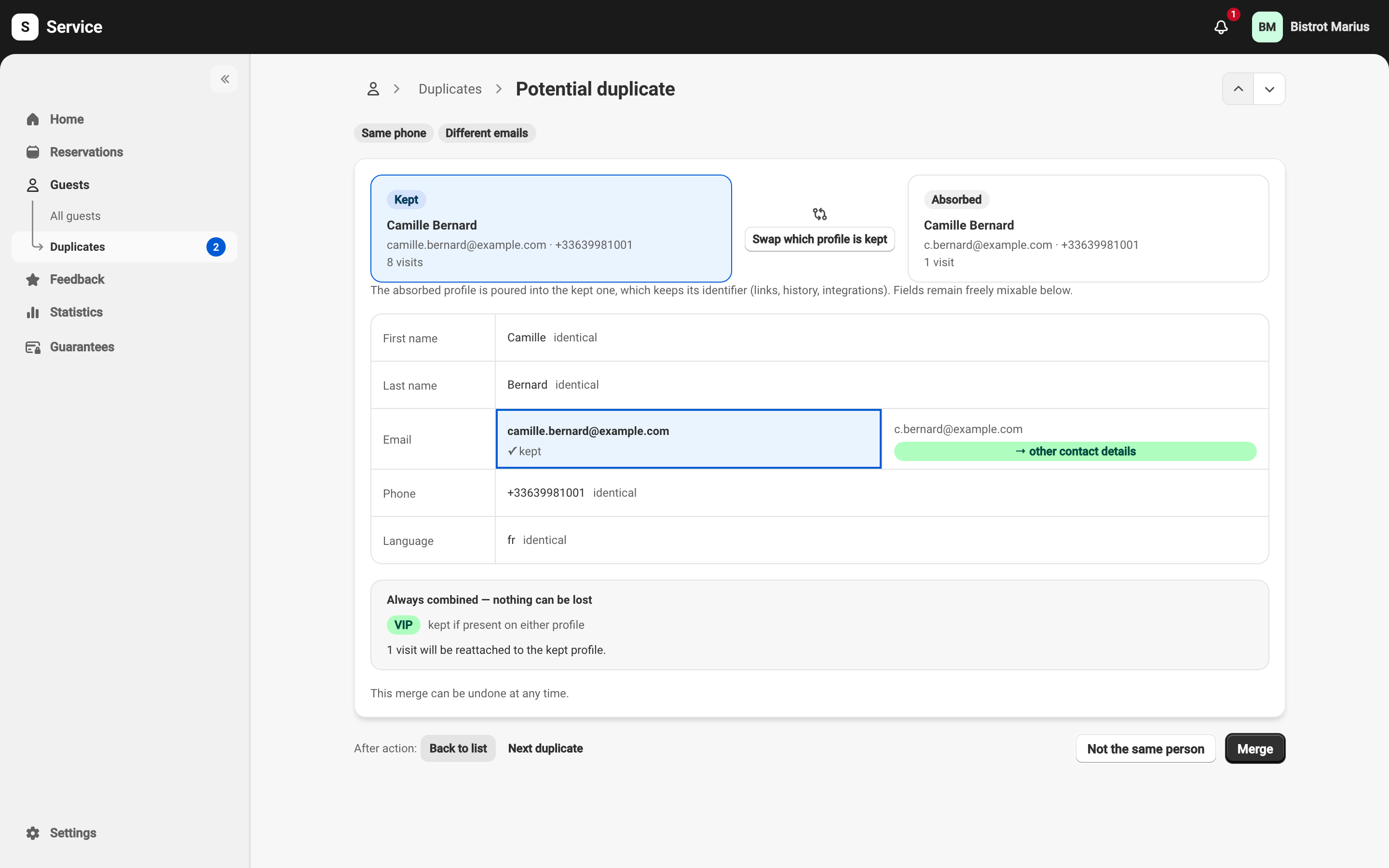
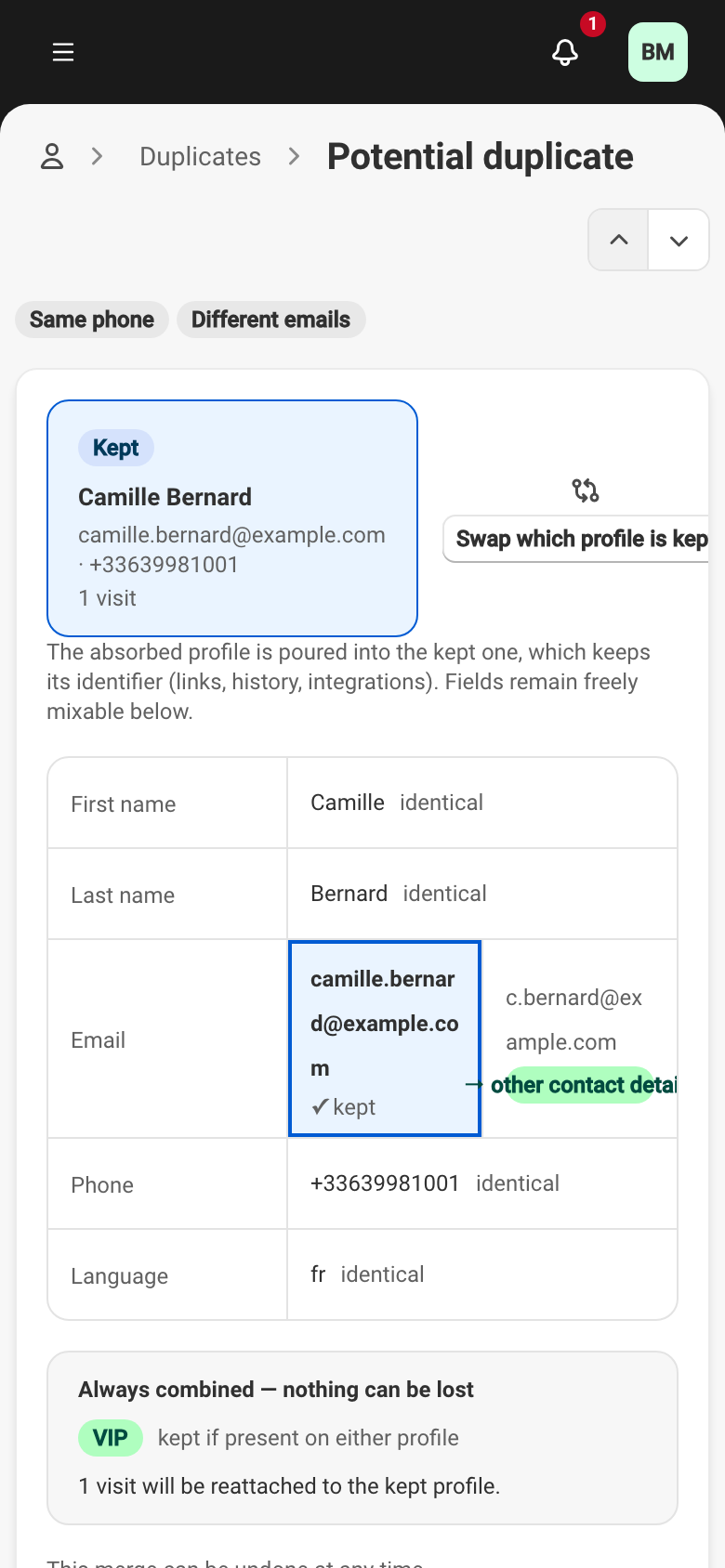
Kept and absorbed profile
Section titled “Kept and absorbed profile”A merge joins a Kept profile and an Absorbed one. The kept profile keeps its identifier: its links, history and integrations stay intact. The absorbed profile is poured into it, then disappears.
By default, Service keeps the profile with more visits, and on a tie the older one. Swap which profile is kept flips the direction if the choice does not suit you.
Choosing fields
Section titled “Choosing fields”The screen compares the two profiles field by field — first name, last name, email, phone, birthday, anniversary and language:
- When both profiles carry the same value, the row is collapsed: nothing to decide.
- When only one profile carries a value, it is taken onto the kept profile.
- When the two differ, you click the value to keep.
A discarded value is not thrown away:
- A discarded email or phone becomes a secondary contact detail on the kept profile — Service never forgets a way to reach the guest.
- Any other discarded field is simply replaced, and it comes back if you undo the merge.
What is always combined
Section titled “What is always combined”Some information does not have to be chosen: Service always brings it together, so nothing is lost.
- Allergies and preferences — added together.
- Notes — those of both profiles are kept one after the other.
- VIP and blacklist — a marker set on either profile is kept. A blacklist reason never disappears in a merge.
- Visits and history — the absorbed profile’s reservations and feedback are attached to the kept profile.
Undoing a merge
Section titled “Undoing a merge”Any merge can be undone, with no time limit. The kept profile carries a Merge history block that lists each merge — automatic, manual or from a duplicate — with an Undo button.
Undoing recreates the absorbed profile as it was and gives it back its reservations. It is careful on two points:
- Your recent edits are preserved. If you changed a field on the kept profile since the merge, undoing does not overwrite it.
- The pair does not re-merge on its own. After an undo, Service will no longer offer this pair for automatic merging — you have made the call.
A merge can no longer be undone in one case: if the kept profile has itself been absorbed by a more recent merge. Undo the more recent merge first.
When a merge is blocked
Section titled “When a merge is blocked”A manual merge is refused while a card hold is active on either profile. Release or withdraw the guarantee first, then try again. Card holds are described in the Guarantees category, under Charging, refunding or releasing a hold.