The widget welcome message
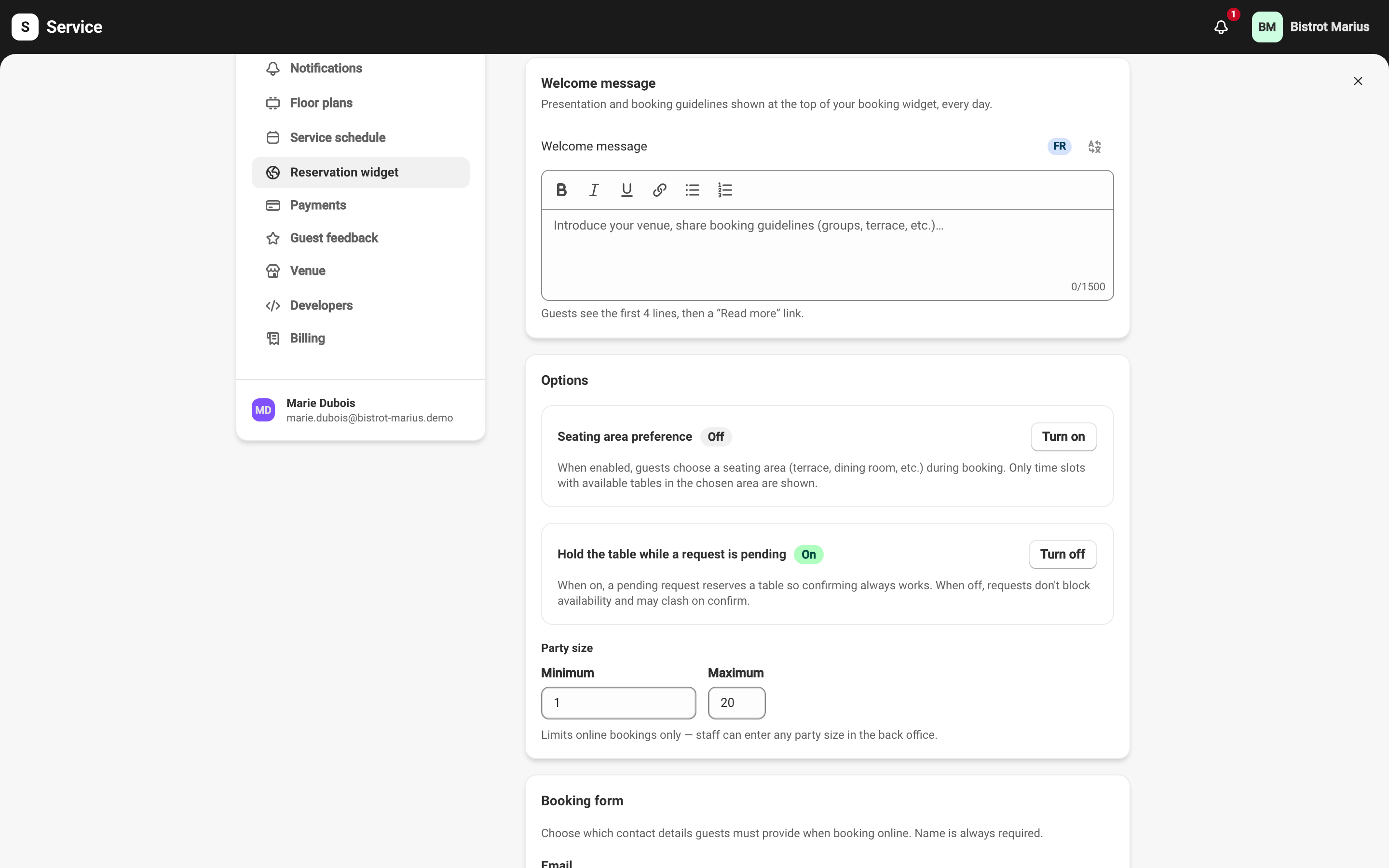
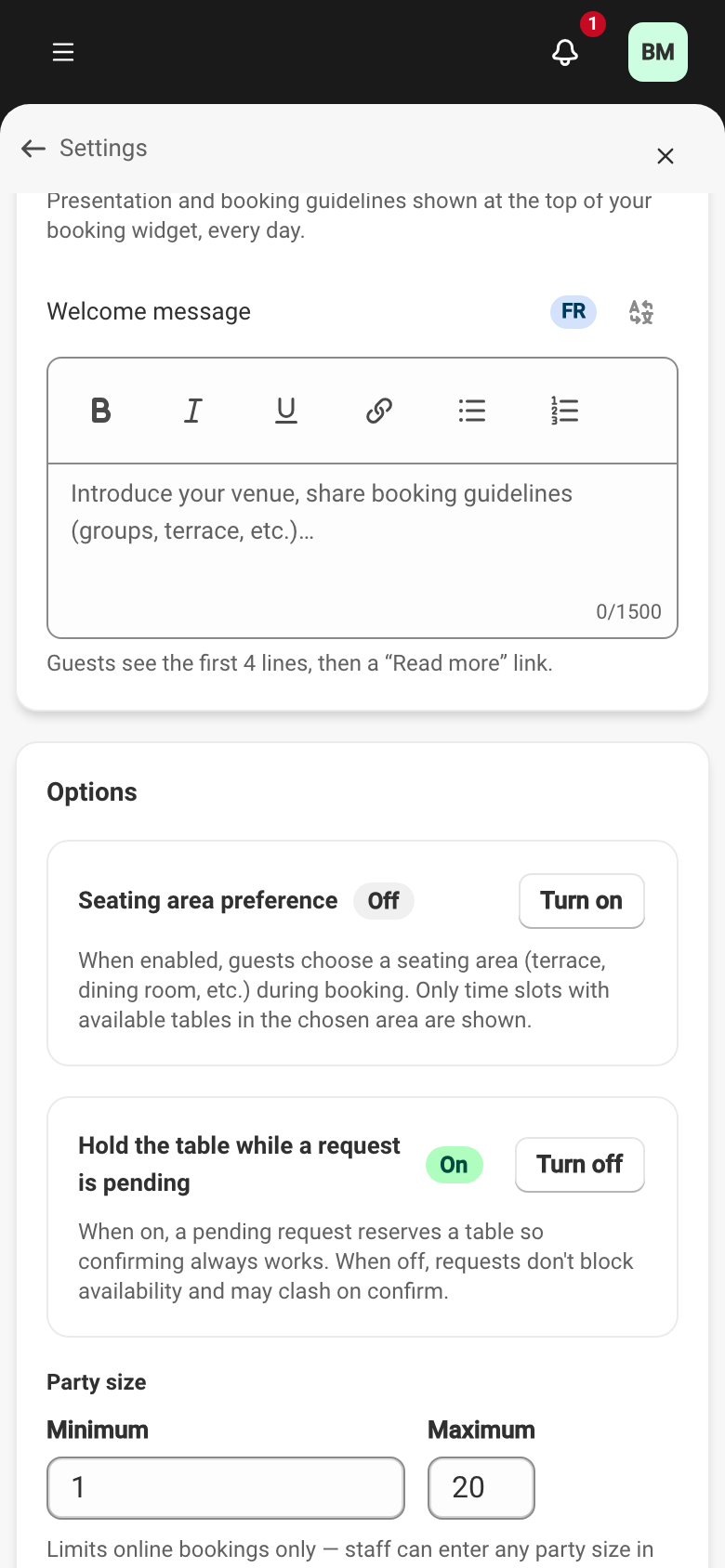
The Welcome message is the presentation text shown at the top of your booking widget, every day. You write it at SettingsReservation widget, in the card of the same name.
This is where you introduce your venue and set out your booking guidelines — groups, terrace depending on the weather, special hours. It shows before the guest picks a date.
Writing the message
Section titled “Writing the message”The field accepts formatted text: bold, italic, lists, links. You have 1500 characters per language, formatting included.
The guest sees the first four lines, then a Read more link expands the rest. So put the essentials first.
Translating the message
Section titled “Translating the message”The welcome message is translatable into each of your guest languages. Translation follows the same mechanics as the other translatable content in the back office — see Translatable content. The languages offered to your guests are set in Guest languages.
Saving
Section titled “Saving”As everywhere in Settings, the save bar at the top of the screen commits or discards your changes. To see where the message appears in the guest’s journey, see What your guests see.