What the guest receives
This page describes what the guest receives when the satisfaction survey is turned on. You configure this send from Configure the satisfaction survey.
The survey email
Section titled “The survey email”The day after their visit, the guest receives an email under your venue’s header inviting them to share their feedback. The email is sent and signed by Service, in the guest’s language. Its button opens the response page.
If they don’t reply and the reminder is on, a second email is sent two days later. That is the only reminder.
The response page
Section titled “The response page”The link opens a page in your venue’s colours, carrying its name and colour. The guest is greeted by their first name, then by the question How was your visit?
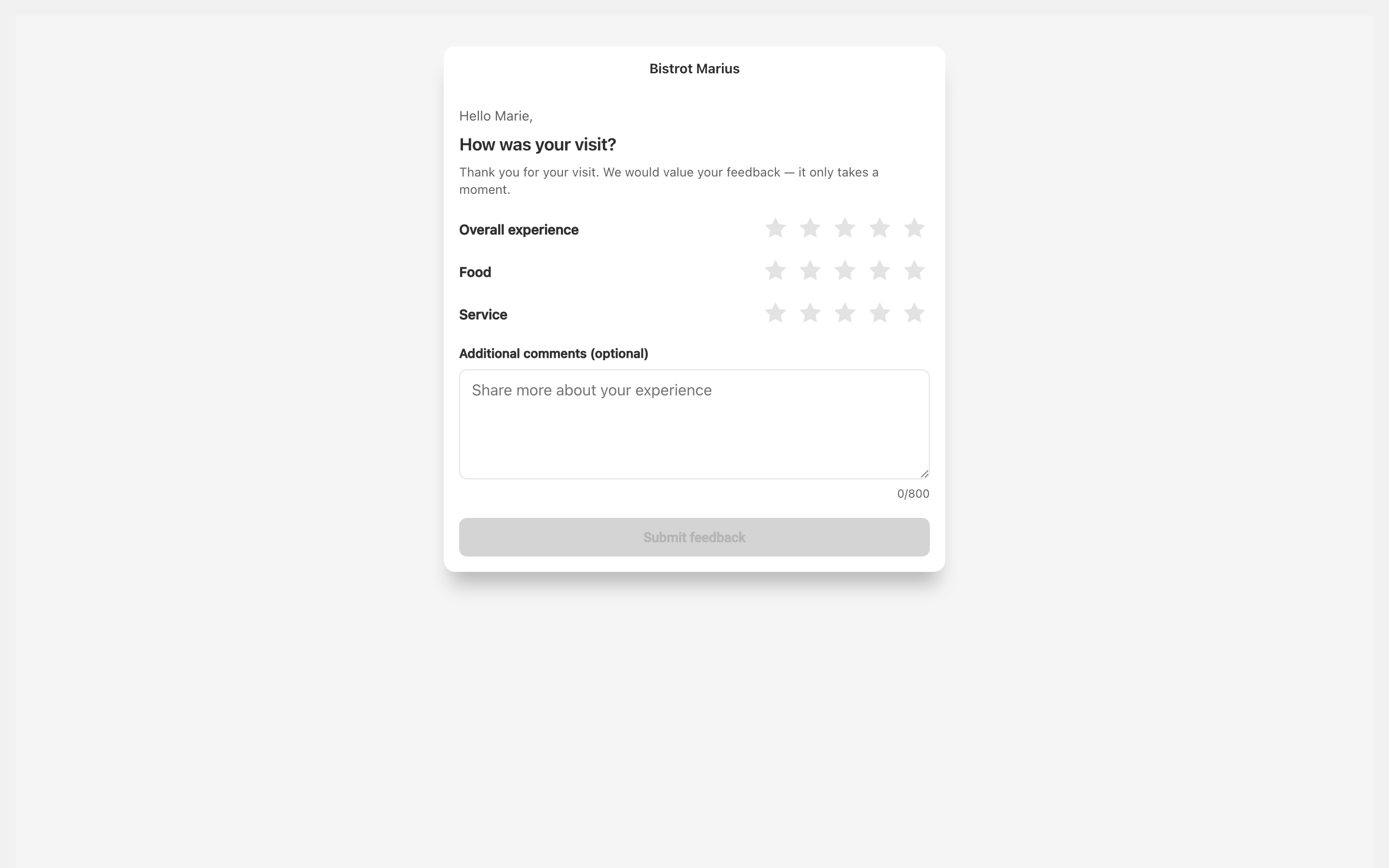
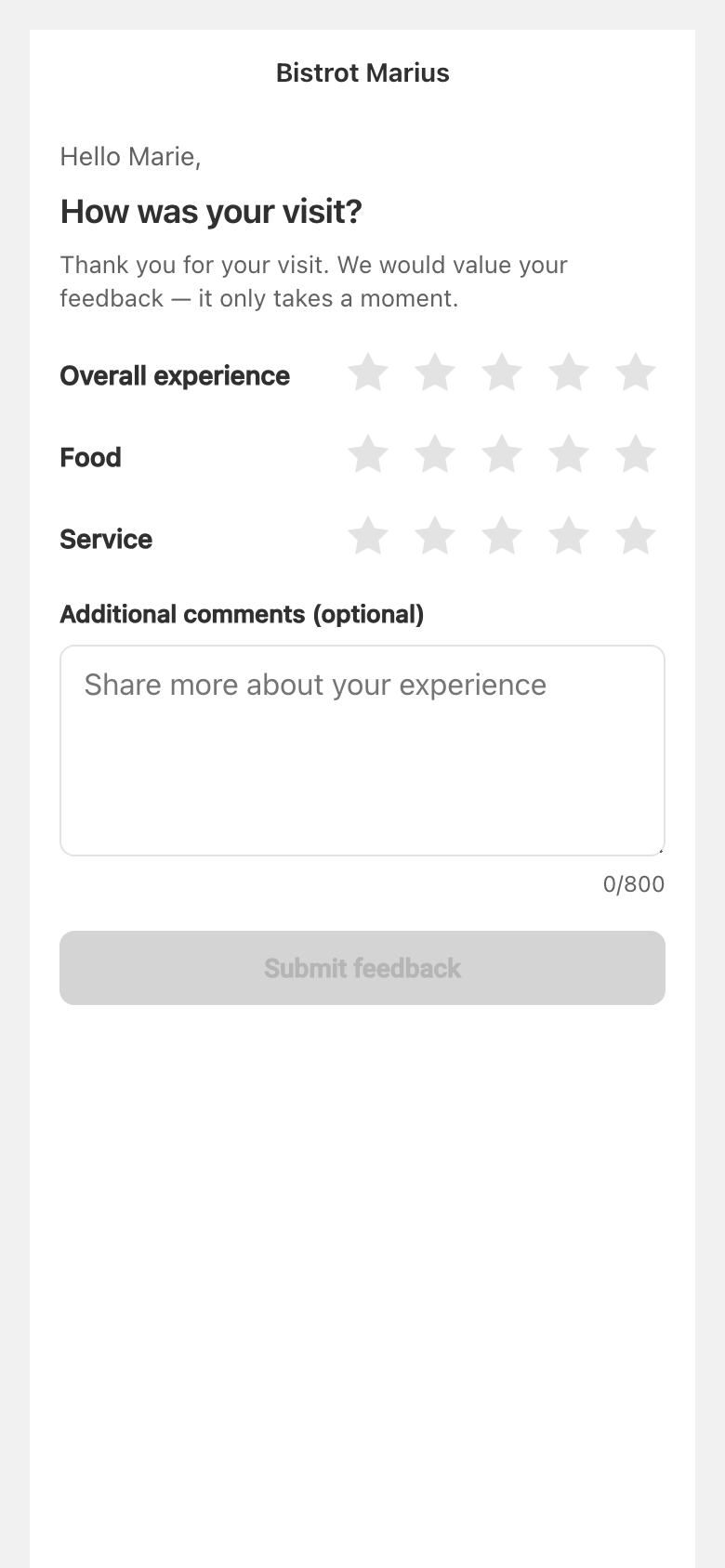
They rate three categories in stars, from 1 to 5:
- Overall experience
- Food
- Service
An Additional comments (optional) field lets them add a free-text message. All three ratings are required: the Submit feedback button stays inactive until every category is rated. The response then comes back to the feedback dashboard.
The link is single-use. Once the response is sent, a guest who reopens the link sees Feedback already submitted. An expired link shows This link has expired.
The review invitation
Section titled “The review invitation”After submitting, the guest sees a thank-you. If you have turned the invitation on and their response meets the condition you chose, a screen also invites them to post a public review, with a Leave a review button to the link you entered. If they left a comment, it is offered ready to copy, so they can paste it into their review without retyping it.
The setting that decides who receives this invitation — everyone who responds or only fully satisfied guests — is covered in Configure the satisfaction survey.