Turn on payments
Card guarantees run through Stripe. You connect your account once, from the payment settings, and then collect directly on that account.
SettingsPaymentsConnect your Stripe account
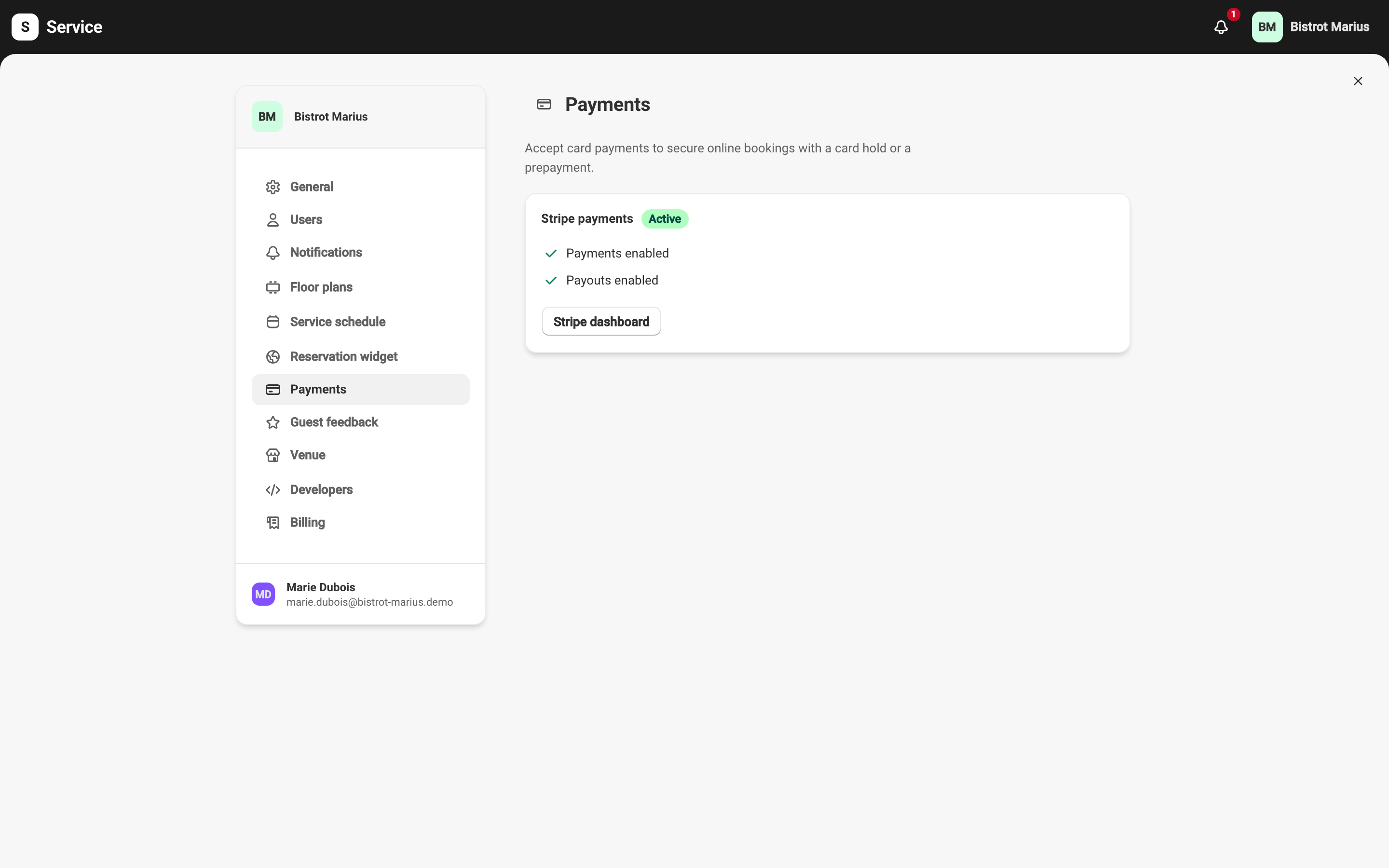
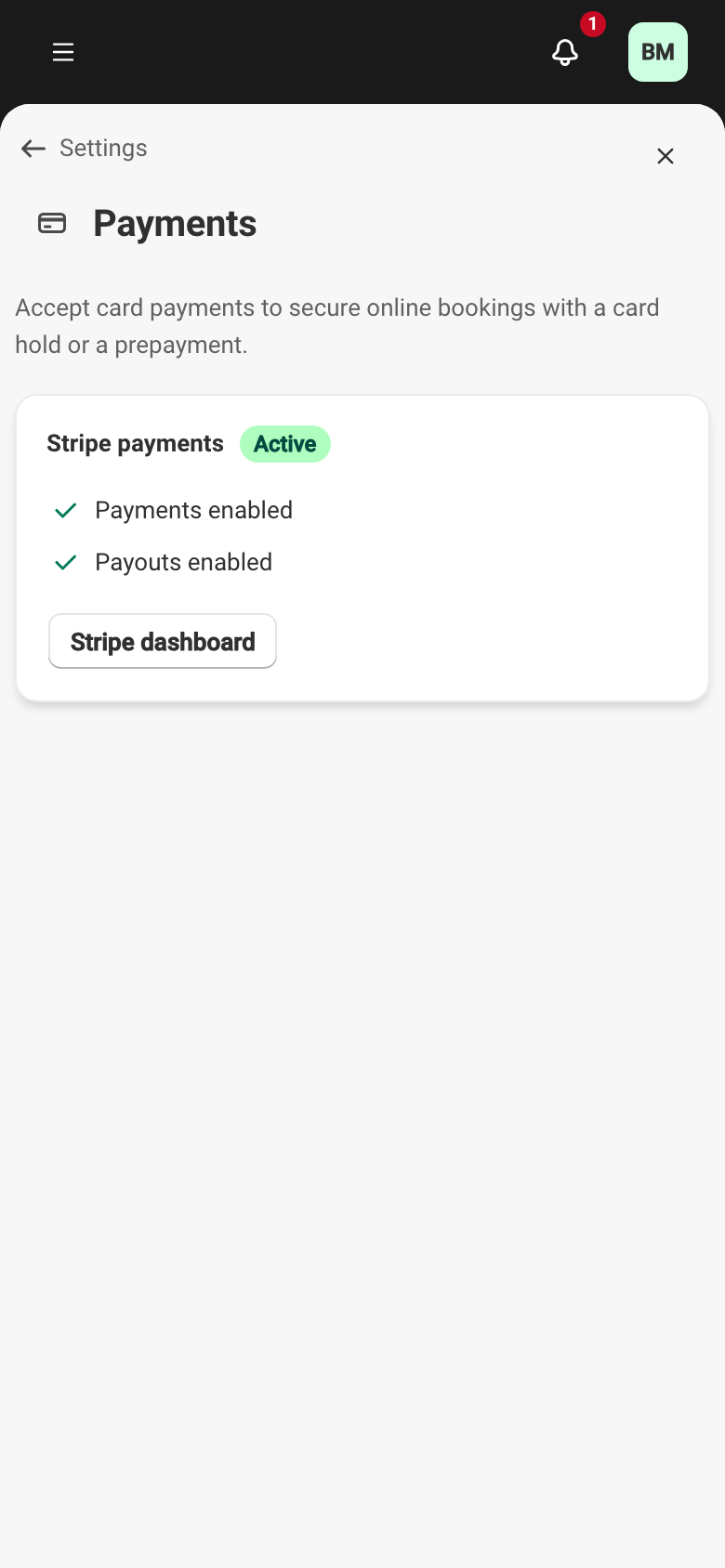
Section titled “Connect your Stripe account”On an account that is not set up yet, Configure with Stripe opens Stripe’s hosted onboarding. You enter your business details there, then return to Service. If Stripe still has checks to run, pick up again with Resume configuration or Complete information. Once the account is connected, Stripe dashboard takes you to it.
Account status
Section titled “Account status”The screen shows one of four statuses:
- Not configured — no account connected; online guarantees are unavailable.
- In progress — Stripe is still verifying your information; online guarantees are not available yet.
- Active — the account can charge; Charges enabled and Payouts enabled appear.
- Restricted — Stripe can no longer collect. Online guarantees are suspended until you complete the required information.
You are paid on your own Stripe account. Service shows the fee line on the screen: You collect directly on your Stripe account. Fees: Stripe commission (~1.5% + €0.25) + 5% Service (excl. tax), charged only on amounts actually collected. No fee applies while nothing is charged — an imprint left and then released costs nothing.