Create a reservation for tonight
A guest calls to book for tonight. Here is how to record the reservation from the Reservations view.
Add the reservation
Section titled “Add the reservation”-
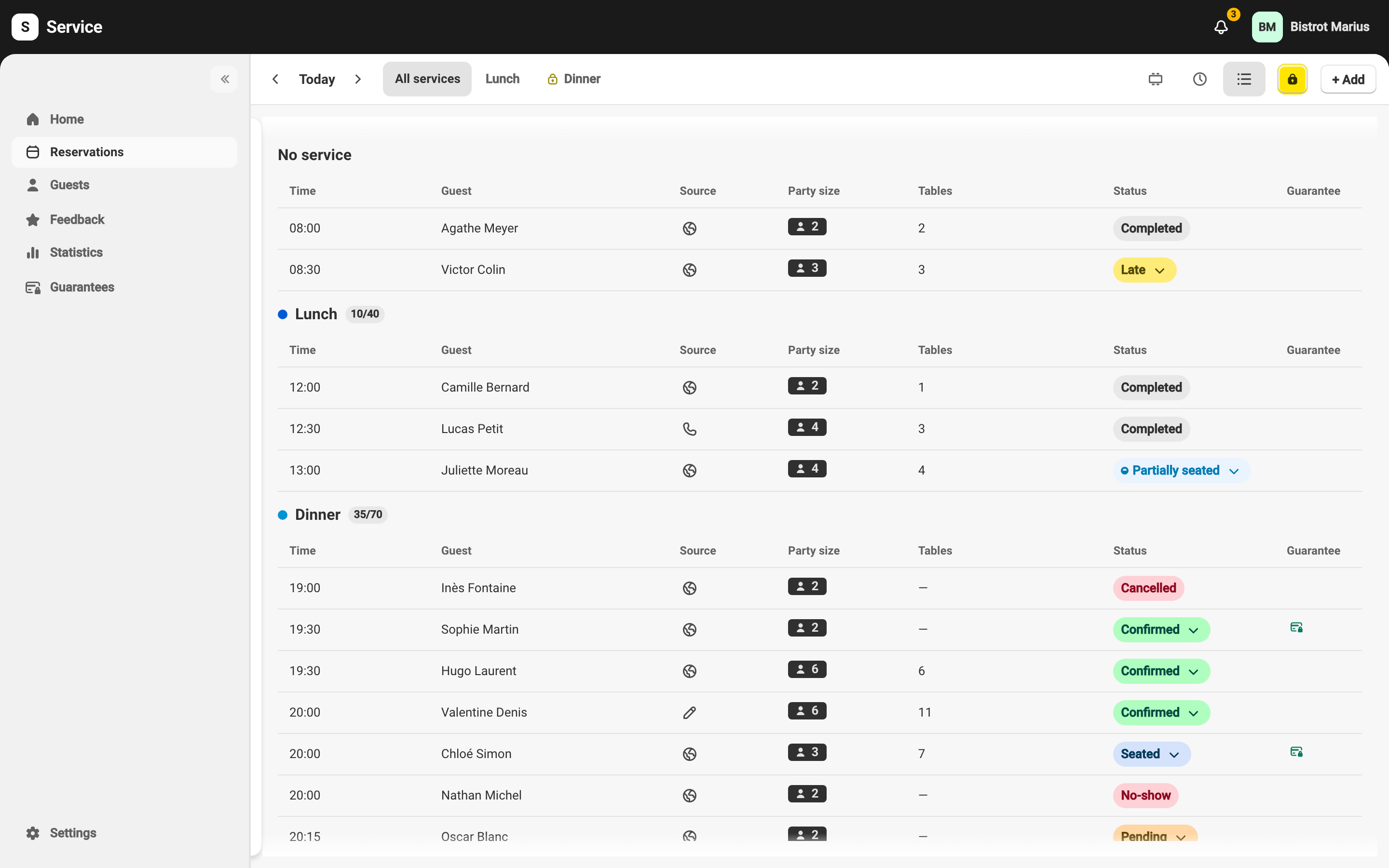
Open Reservations and check that the date shown is tonight’s.
-
In the top right, click + Add, then New reservation.
-
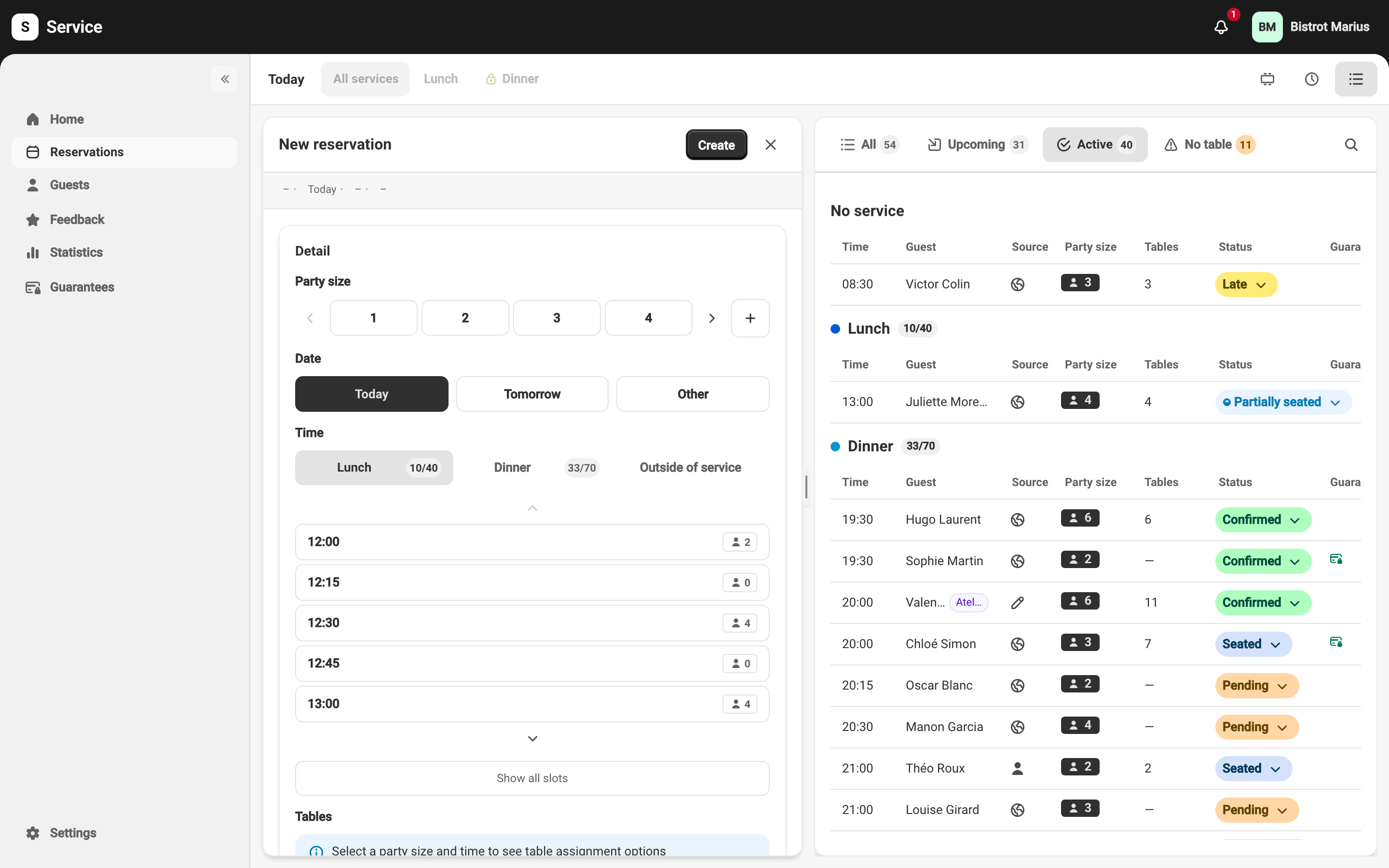
Fill in the form from top to bottom: party size, date and time first, then the guest’s contact details — every field is described in The reservation form.
-
Click Create. The reservation appears in the day view with the Confirmed status.
What about a guest already on site?
Section titled “What about a guest already on site?”A guest who arrives without a reservation is a walk-in guest. Use + Add → Walk-in instead: enter the Party size and validate. The guest is seated immediately, skipping the confirmation step. To seat them straight from the floor plan, see Seat a walk-in guest.