Charge a no-show
A no-show is not charged automatically. Charging the card hold is a manual decision, taken reservation by reservation, once the absence is confirmed.
This charge assumes there is a card hold to charge. It only applies to venues that have card imprints turned on, and to reservations where the guest actually left an imprint. With no hold on file, there is nothing to charge.
Mark the no-show first
Section titled “Mark the no-show first”The charge starts from a reservation already marked No-show. If that is not done yet, see Handle a no-show.
Charge the card hold
Section titled “Charge the card hold”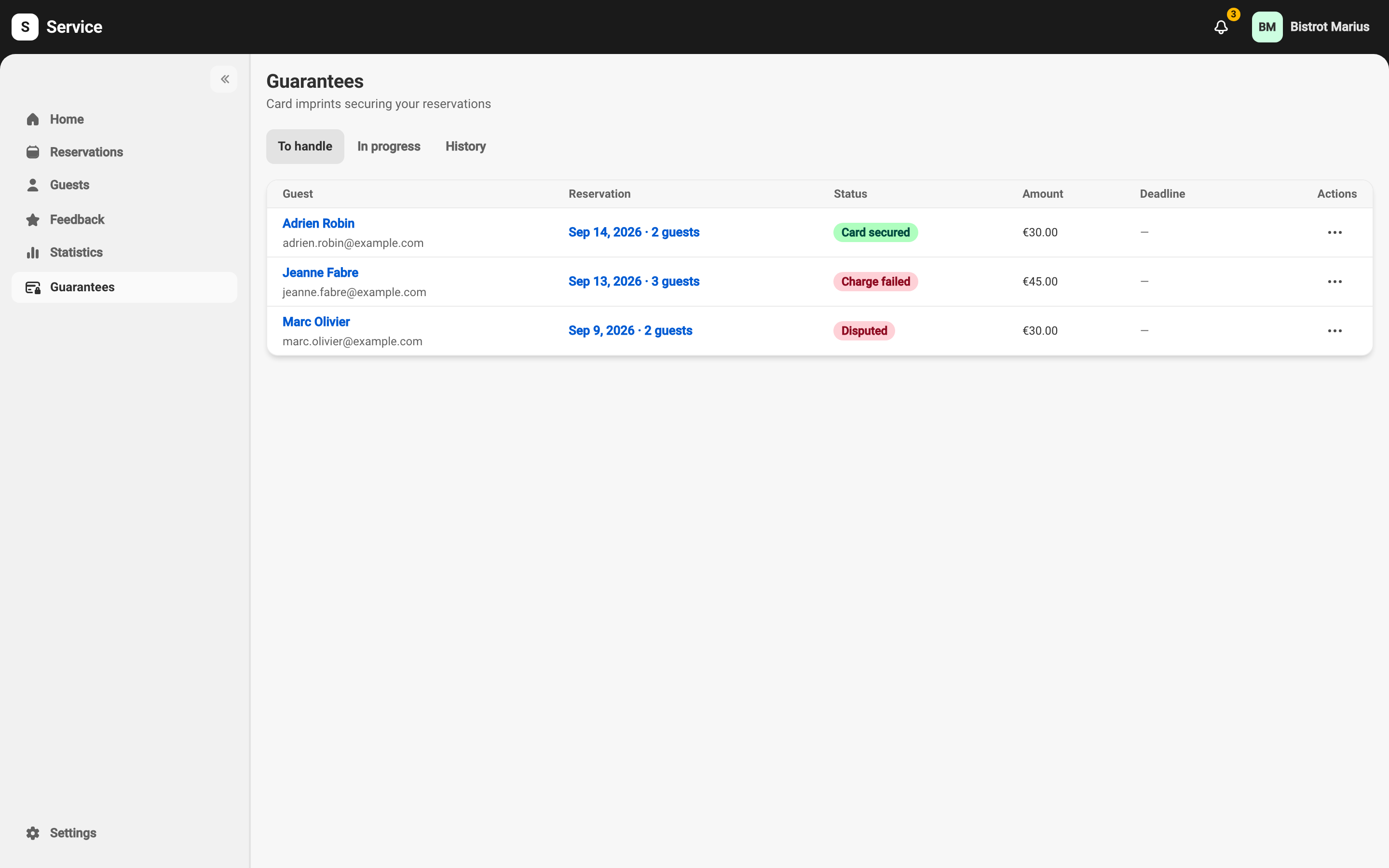
-
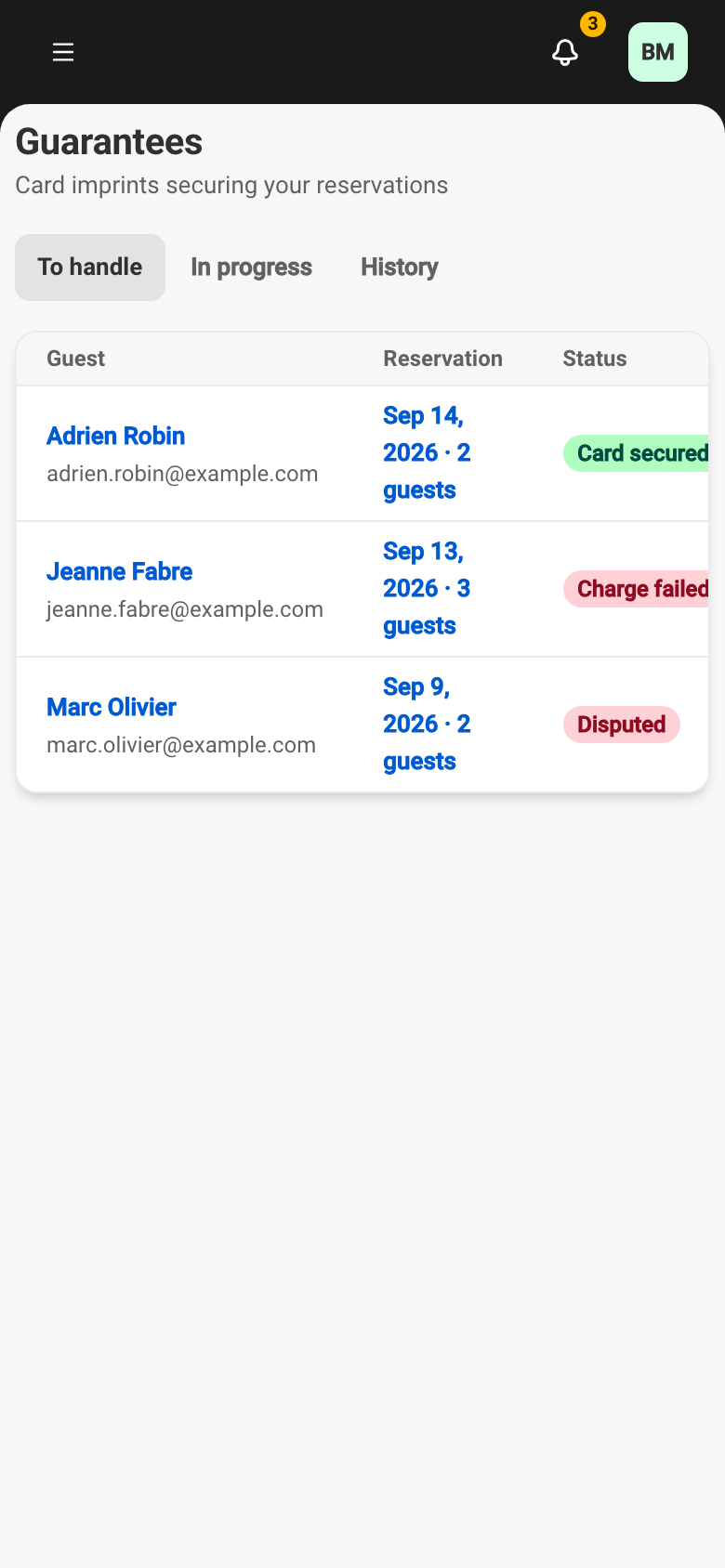
Open Guarantees. The reservation appears in the To handle tab.
-
On its row, open the actions menu and choose Charge.
-
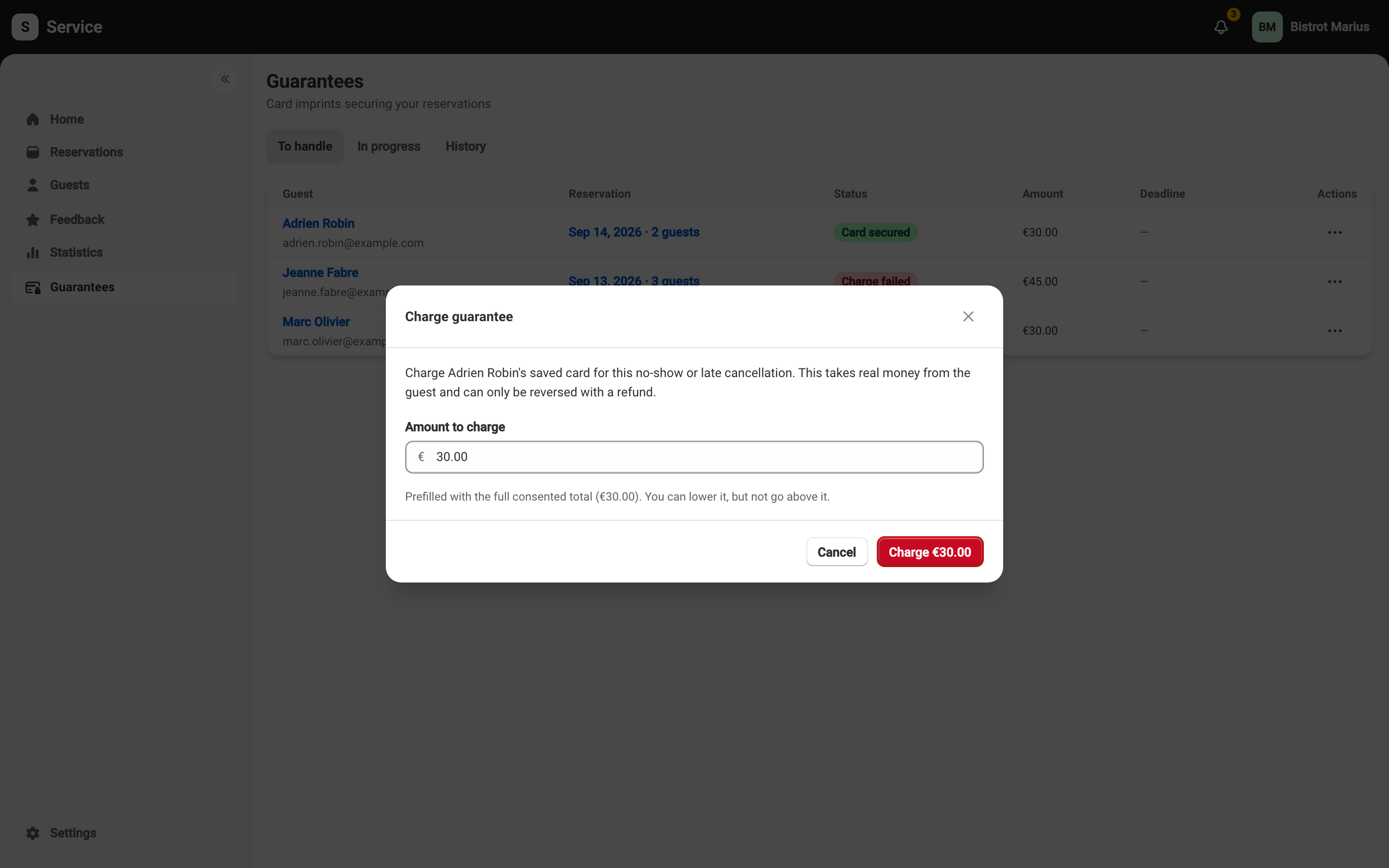
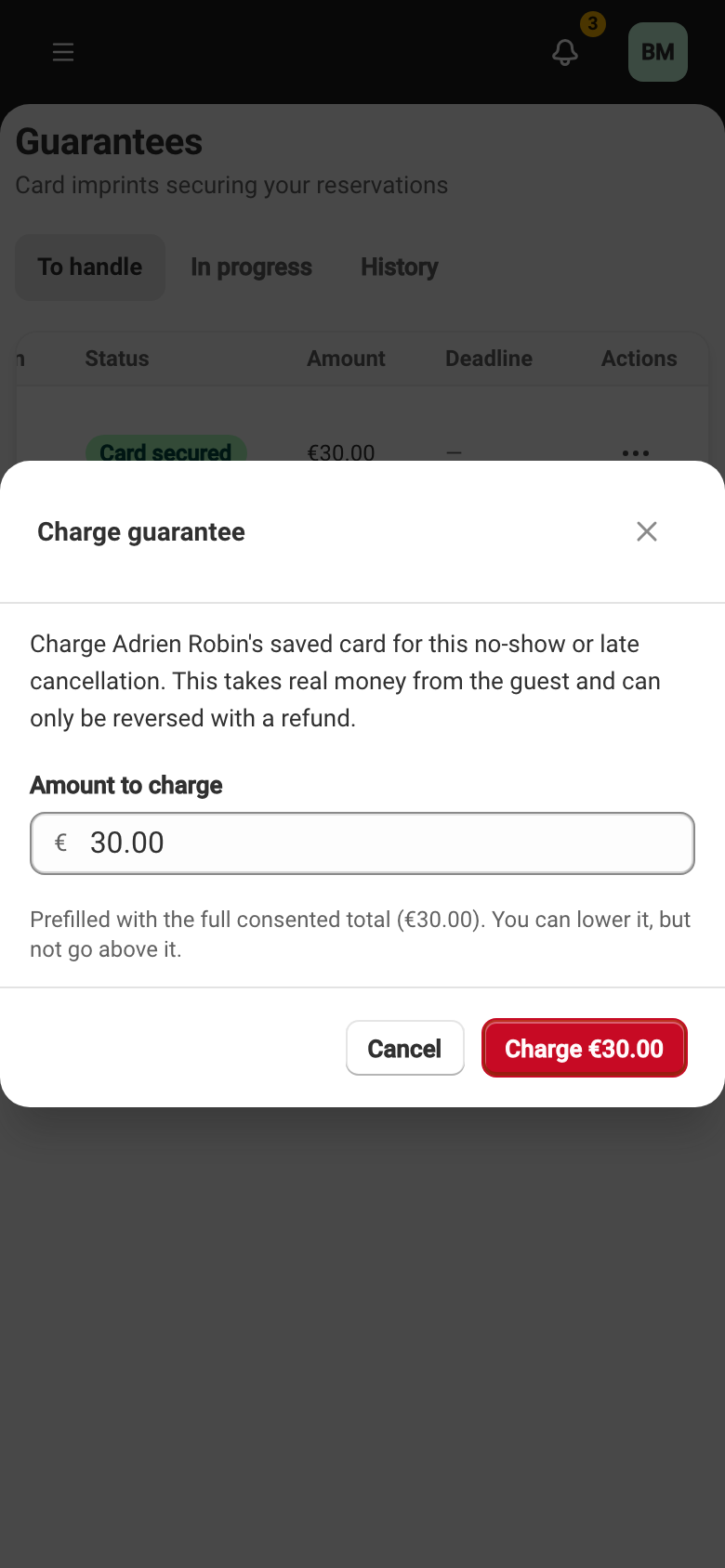
Check the amount offered, which you can adjust downward.
-
Confirm with Charge. A message confirms the amount charged.
What the guest receives
Section titled “What the guest receives”Service sends the guest a receipt email stating the amount charged. Nothing else is asked of them.