Required contact details
Reservations are taken either by your team through the reservation form, or by your guests from the booking widget. In both situations, you can set which fields have to be filled in before the reservation can be submitted.
What your team must capture
Section titled “What your team must capture”The contact details your team must capture are set in the Reservations card of the general settings.
SettingsGeneral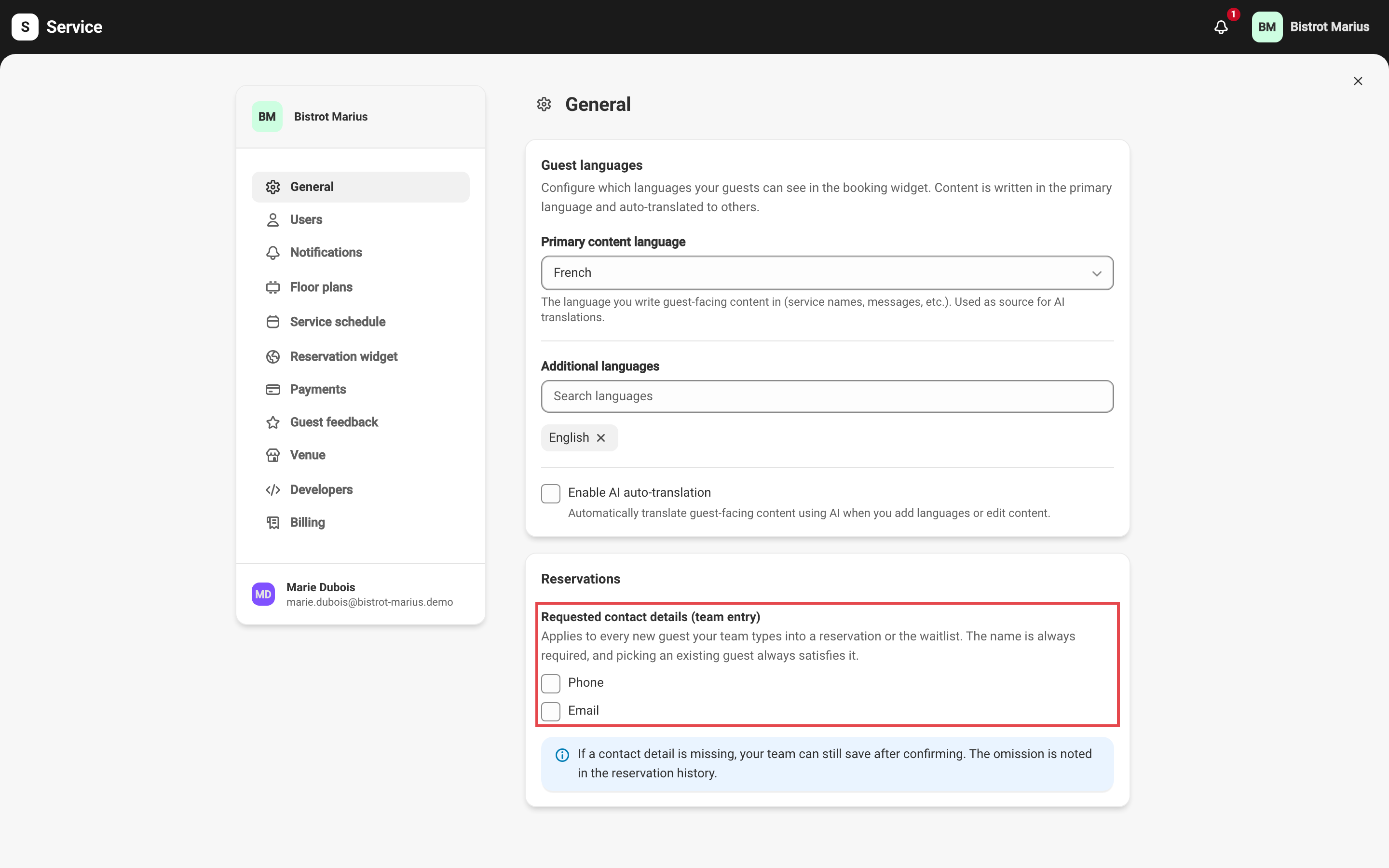
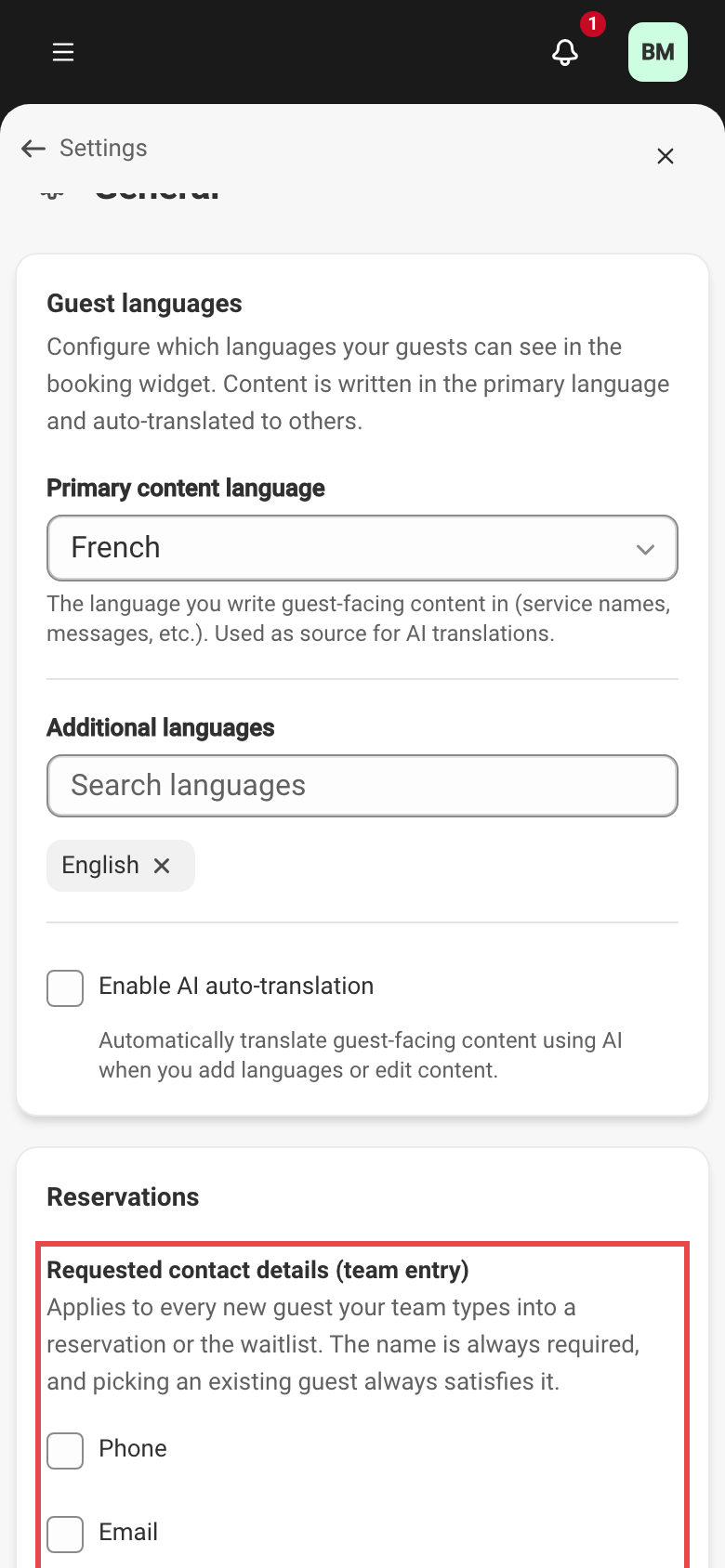
Under Requested contact details (team entry), tick what is asked for:
- No box — a first name or a last name is enough.
- Phone alone, or Email alone — that detail is asked for.
- Both boxes — the phone and the email are both asked for.
- Both boxes with Either one is enough — at least one of the two.
A first name or a last name is always asked for. The setting applies when your team types a new guest into a reservation or the waitlist; picking an existing guest always satisfies the rule, and a walk-in guest with no profile is not concerned.
The rule asks, it does not refuse
Section titled “The rule asks, it does not refuse”A guest who will not leave a number is still a booking worth taking. When a requested detail is missing, Service asks you to confirm before saving: you can go back and fill it in, or save without it. The omission is then written into the history of the reservation or the waitlist request — see Reservation history.
One exception cannot be confirmed away: on a service whose waitlist promotes automatically, email stays enforced, because the table goes out to the guest with nobody reading it over first.
What a guest must provide online
Section titled “What a guest must provide online”The widget booking form has its own rules.
SettingsReservation widgetThe Booking form card lets you choose which contact details guests must provide to book online. The name is always required. Email and phone are each set to Required or Optional.
Making a detail optional has a cost, which the form points out:
- Without an email, guests receive no confirmation or reminder.
- The phone number is the best safeguard against duplicate profiles: without it, two reservations from the same guest attach less reliably to a single profile. It is also the best way to call a late guest before reassigning their table. See The duplicates queue.
When a card hold is required
Section titled “When a card hold is required”A reservation that requires a card hold forces email, even if the widget form set it to optional: without an address, Service cannot send the card-registration link. Email therefore becomes required for those reservations. How card holds work is described in the Guarantees category, under Requesting a card manually.
Creating a profile by hand and the rest of the guest database are described in Guest profiles.