Block a service, a slot or a table
Service availability closes online booking, for a single date, for a whole service, some slots, a section or a table — without touching your recurring schedule. A block stops online bookings only: walk-ins and manual reservations are unaffected.
You open the Service availability window from the Reservations page (see Day views).
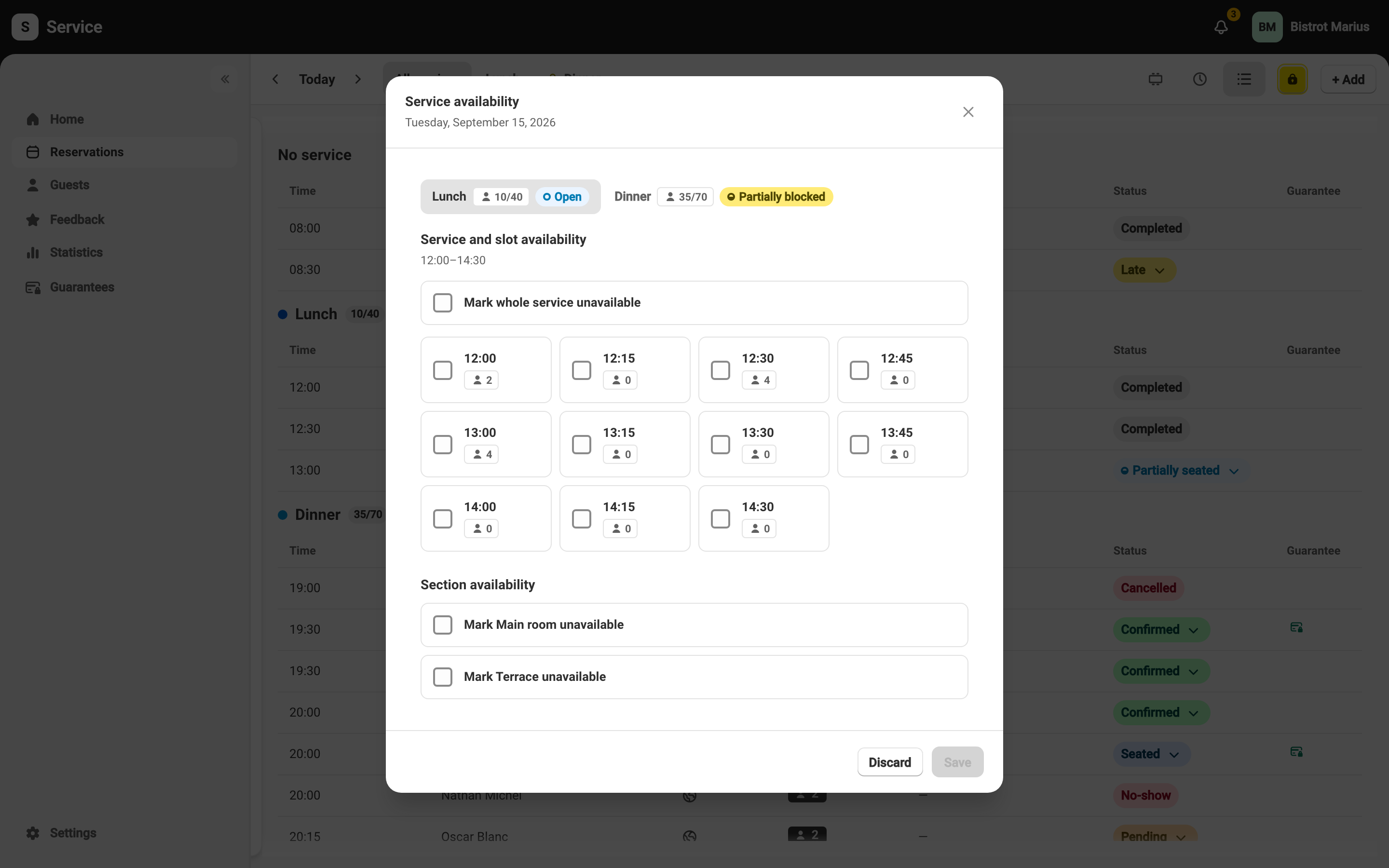
A service’s state
Section titled “A service’s state”Each service shows its state: Open, Partially blocked, Fully blocked, or Online off — the last one stays visible on the widget as info-only but takes no online bookings.
Block a service, slot or section
Section titled “Block a service, slot or section”From the Service availability window:
- Mark whole service unavailable closes the entire service.
- The Service and slot availability panel closes specific slots.
- The Section availability panel closes a section. A staff-only section can’t be blocked: it is already hidden from the widget.
A date already in the past has nothing to block.
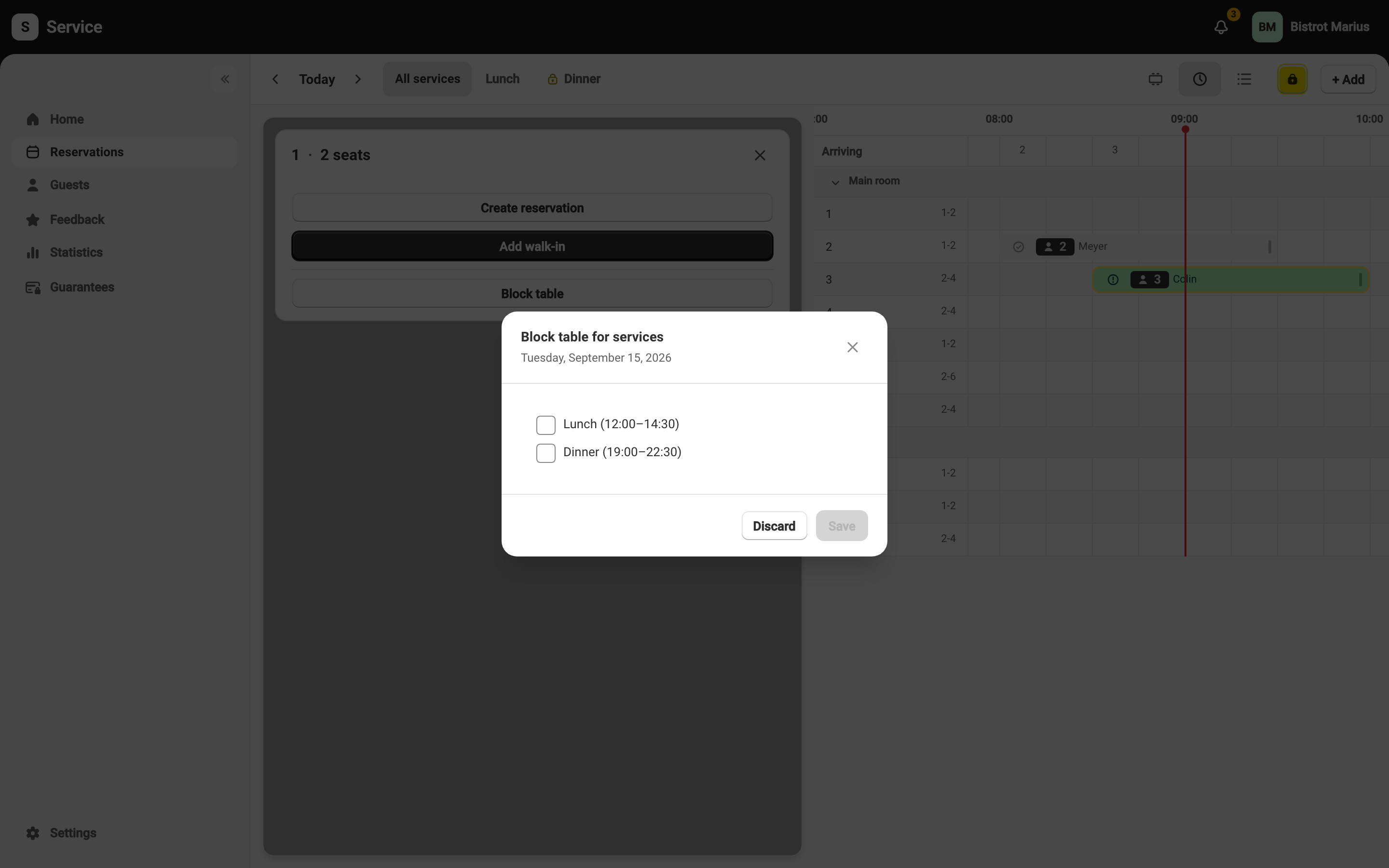
Block a single table
Section titled “Block a single table”A specific table is blocked not in this window, but from the table’s card. Open that card by clicking the table — from the Chronological view (as shown below) or from the floor plan — then the Block table button. The Block table for services window then lists the day’s services: tick the ones the table should stay closed to online booking for.