Your profile
The Profile screen holds your personal information, your password and your sessions. These settings concern only your account, whatever the venue.
You reach it from the Settings, by selecting your name at the very bottom of the side menu.
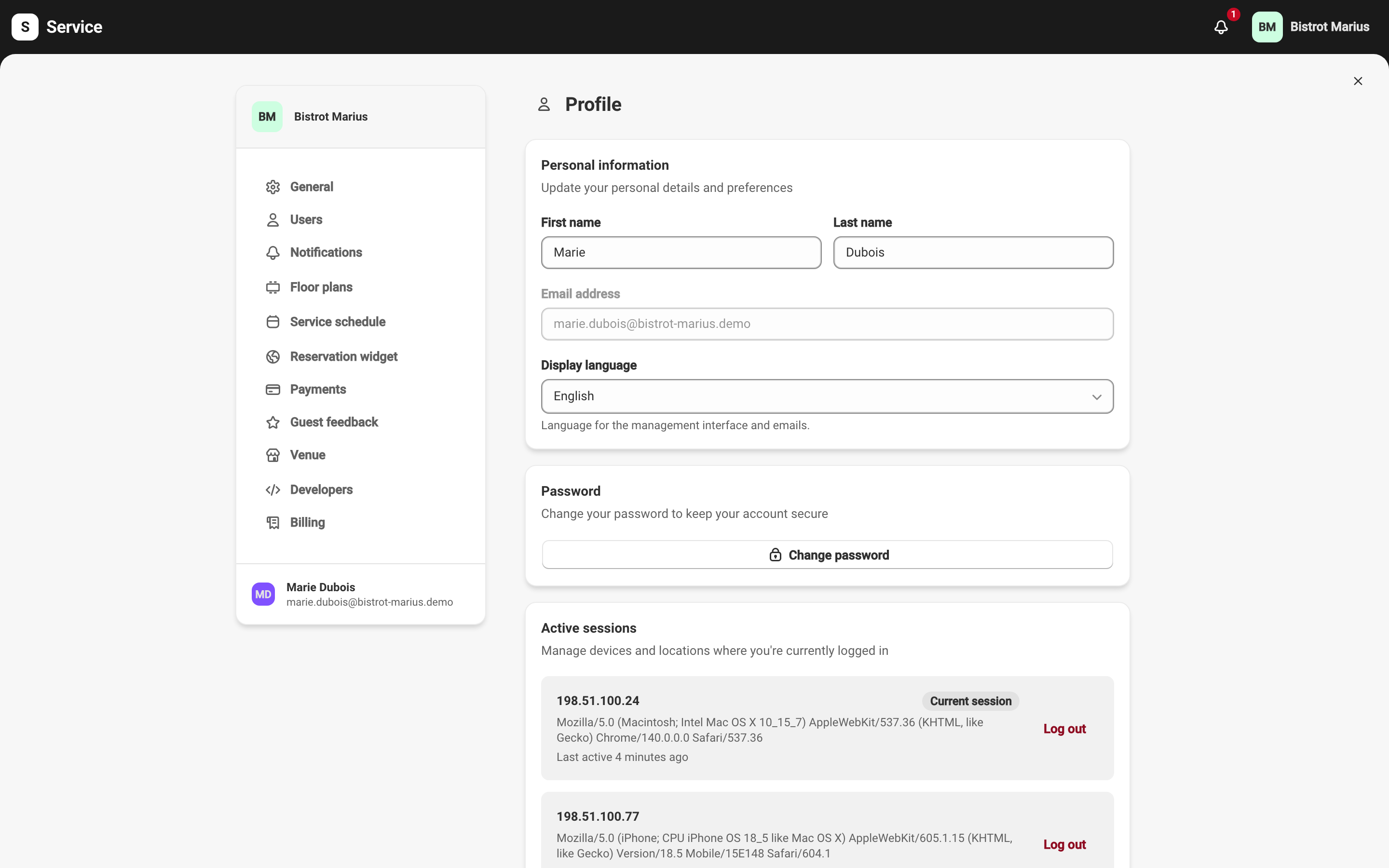
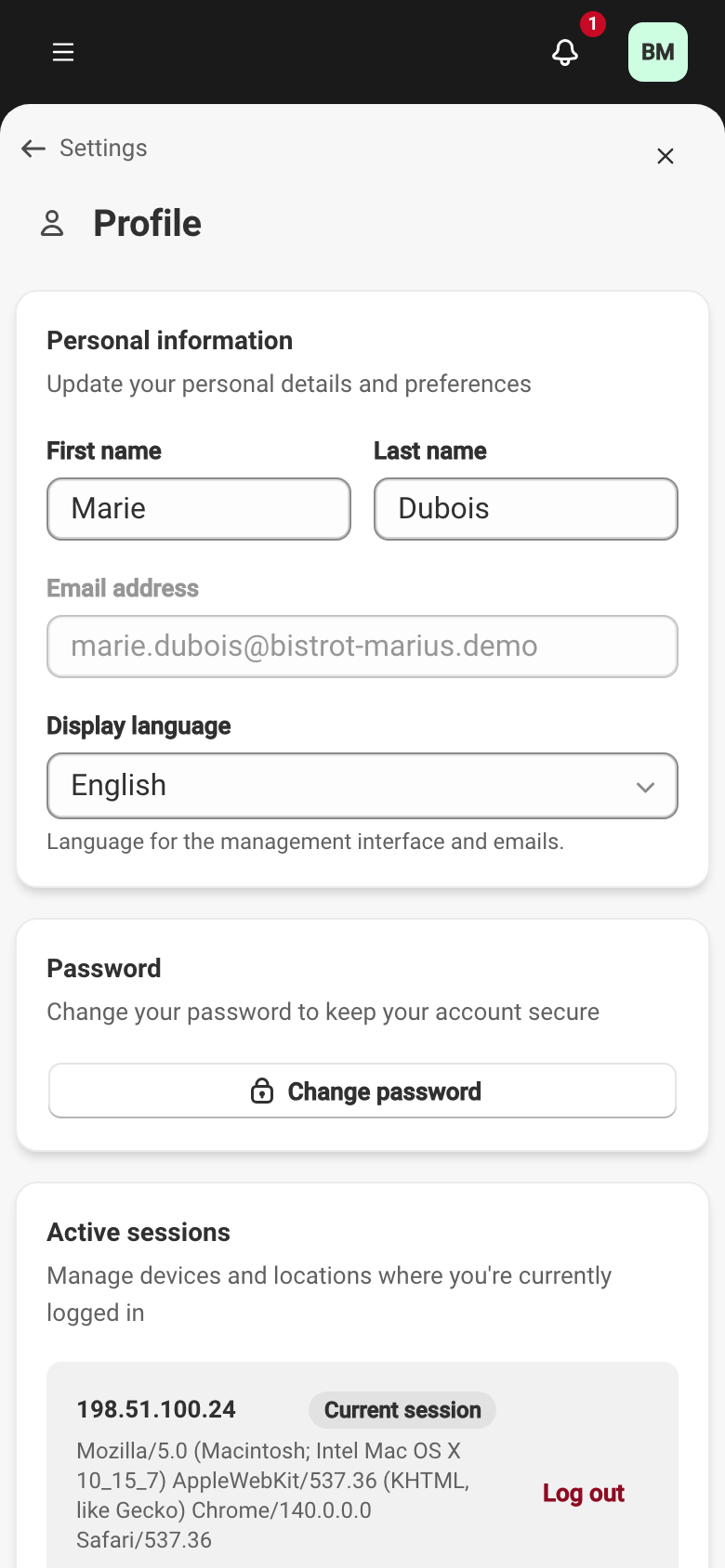
Personal information
Section titled “Personal information”- First name and Last name — your name, as it appears to your team.
- Email address — your login identifier. This field is read-only and cannot be changed from this screen.
- Display language — the language of the management interface and your emails, either English or French.
The Display language is your personal preference. It is separate from the languages offered to your guests, which are set at the venue level — see Your guest content languages.
Password
Section titled “Password”The Change password button opens a dialog with three fields: Current password, New password and Confirm new password. The new password must contain at least 8 characters. If the current password is wrong, the Current password is incorrect message appears.
Active sessions
Section titled “Active sessions”The Active sessions section lists the devices and locations where you are logged in. Each session shows its IP address, the browser or device and its last activity. Your current session carries the Current session label.
The Log out button closes the chosen session. If you log out of your current session, you are redirected to the login page.
Your notifications
Section titled “Your notifications”The alerts you receive personally — and through which channel — are set on the My notifications tab, described in Notifications.