Booking rules
Booking rules set the party sizes you accept, how long a meal lasts, the window during which guests book online, booking approval, and the guarantee you ask for. A default rule applies to the whole venue; each service can replace it with its own rule.
You manage them in SettingsService scheduleBooking rules.
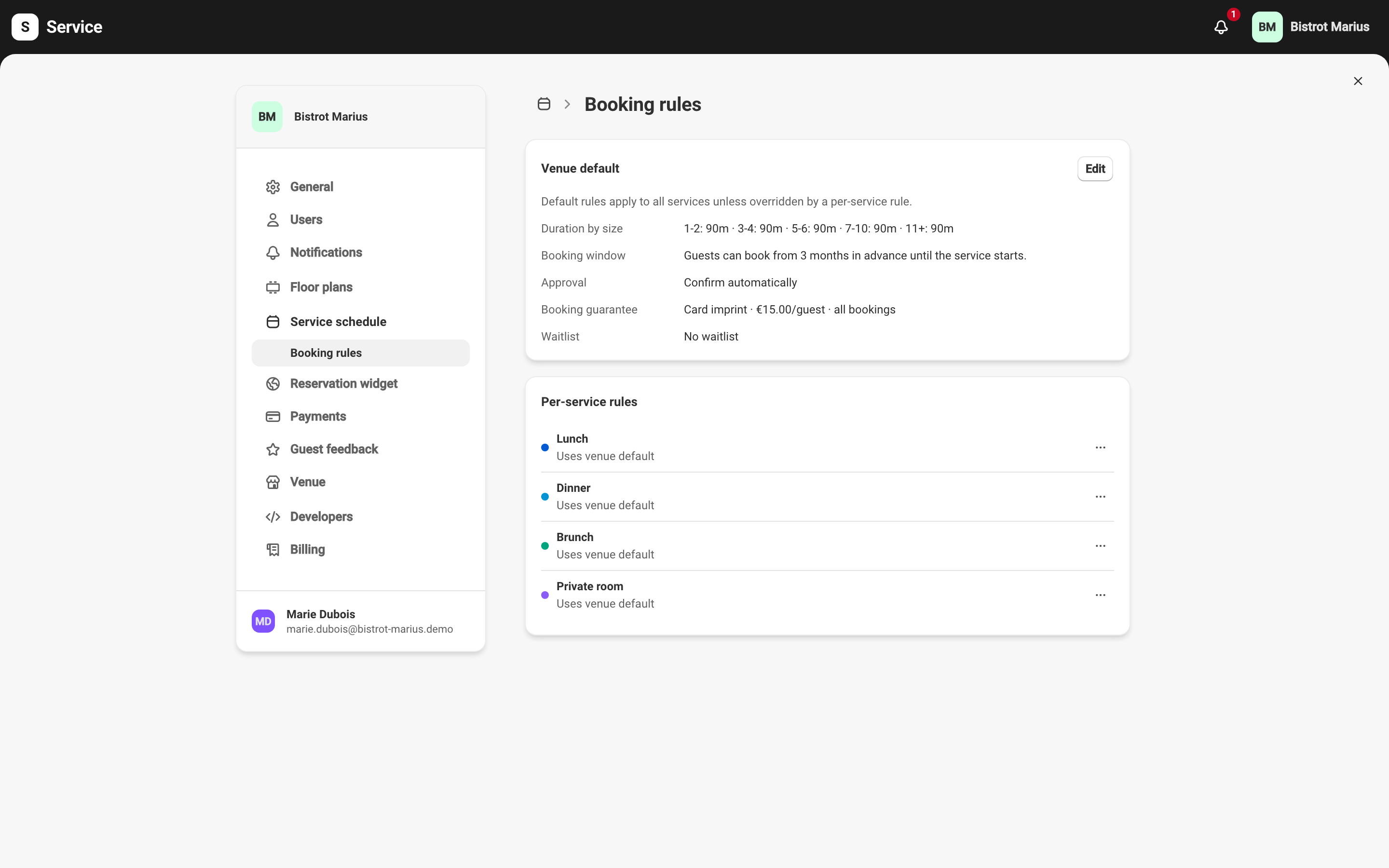
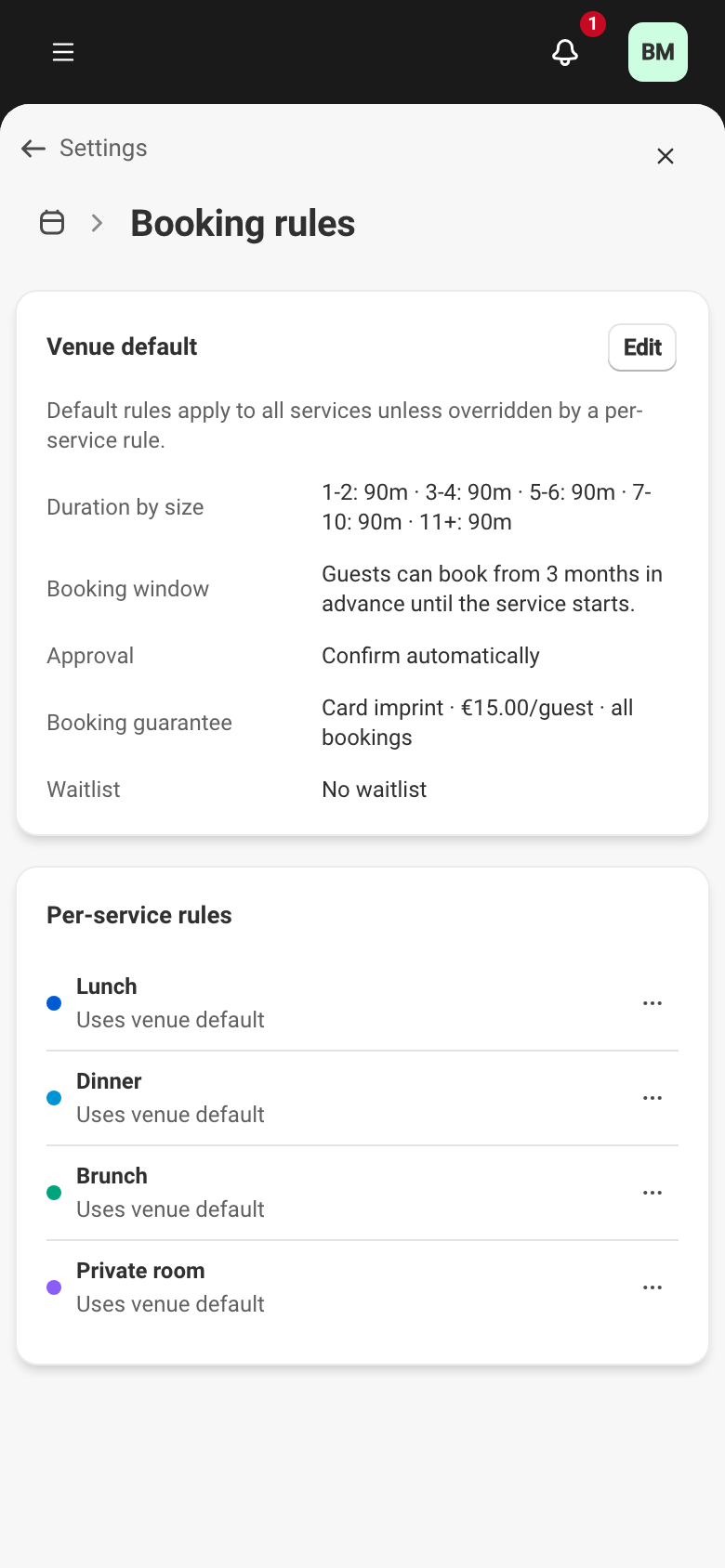
The default rule and per-service rules
Section titled “The default rule and per-service rules”For convenience, each service follows the venue’s default rules by default, held by the Venue default card; Edit opens its form.
For finer control, a service can have its own rules, created from Per-service rules. Each service there shows its rule as a summary, or Uses venue default when it has none of its own. Its menu offers Edit and Reset to default, which deletes its rule and returns it to the default rules.
Reservation duration
Section titled “Reservation duration”Duration by group size sets the time allowed for a reservation by party size. Each range has its own duration in minutes. This duration governs how long a table stays occupied, and therefore how quickly slots free up.
Booking window
Section titled “Booking window”The booking window has two bounds.
- Maximum advance sets when booking opens: how early a guest can book. Beyond this, slots are not yet visible. The unit is days, weeks, or months.
- The close depends on Allow bookings during service. On, guests book at any time while the service is running. Off, bookings close a set time before the service starts: this Cutoff before service is set in minutes or hours.
A banner sums up the window in one sentence as you adjust these settings.
Approval and guarantee
Section titled “Approval and guarantee”A rule’s form also carries two settings documented elsewhere:
- Booking approval decides whether an online reservation is confirmed automatically or waits for your go-ahead — see Online booking approval.
- Booking guarantee asks for a card imprint to hold the reservation — see Card-imprint guarantees. This setting stays locked until payments are active — see Turning on payments.
- Waitlist decides whether your guests can ask for a table when the service is full, and who approves promotions — see The waitlist.