The chronological view
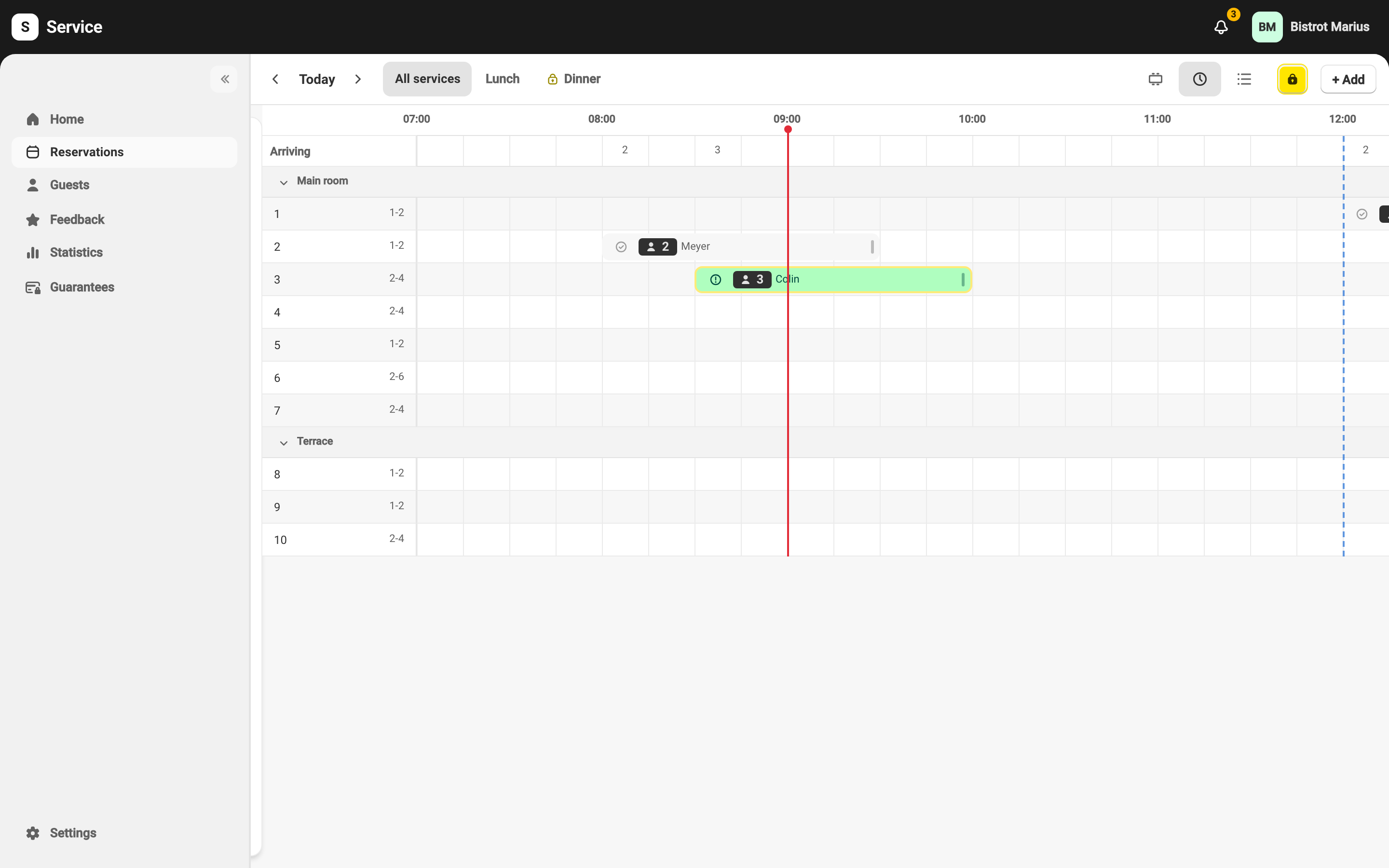
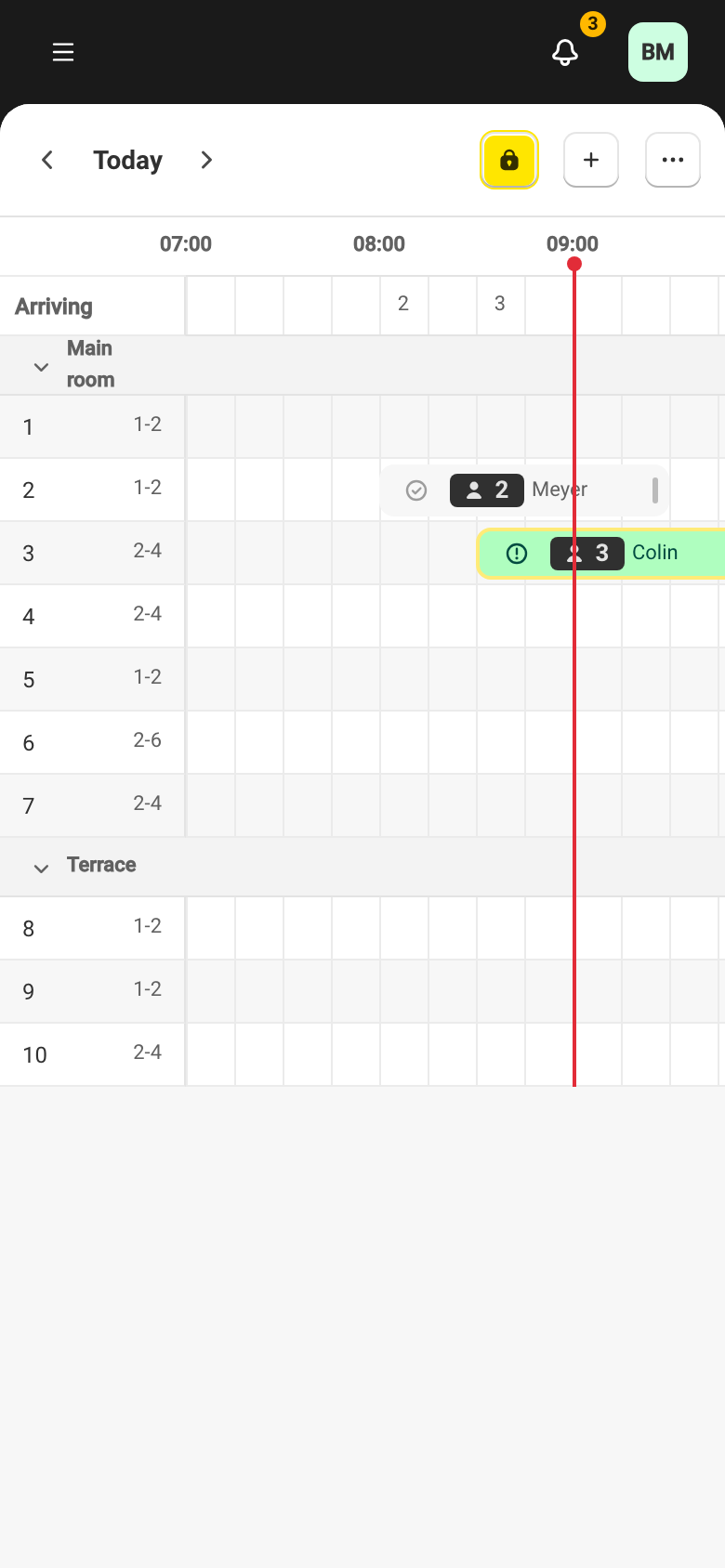
The chronological view shows the service as a time grid: time across, tables down, one reservation per block placed at its time and on its table. Overlapping reservations appear side by side. You open it from the view switcher on the Reservations page (see Day views).
Move and lengthen a reservation
Section titled “Move and lengthen a reservation”Drag a block to change the reservation’s time, or stretch its edge to lengthen or shorten its duration. The change is saved right away. With a mouse, drag the block directly; on touch, press and hold the block, then drag.
A block whose start time has passed without the guest being seated shows as Late — see Reservation statuses.