The notification center
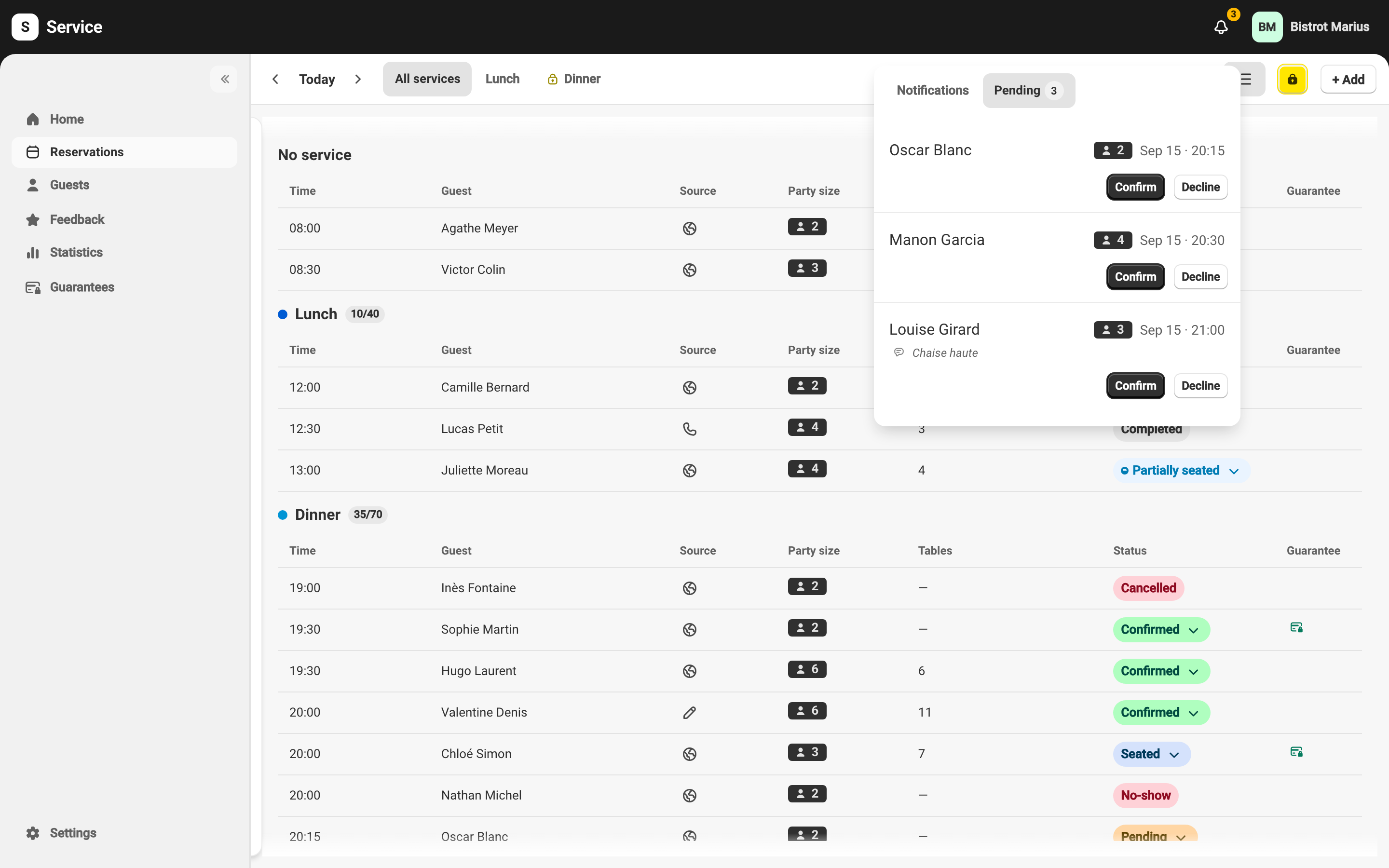
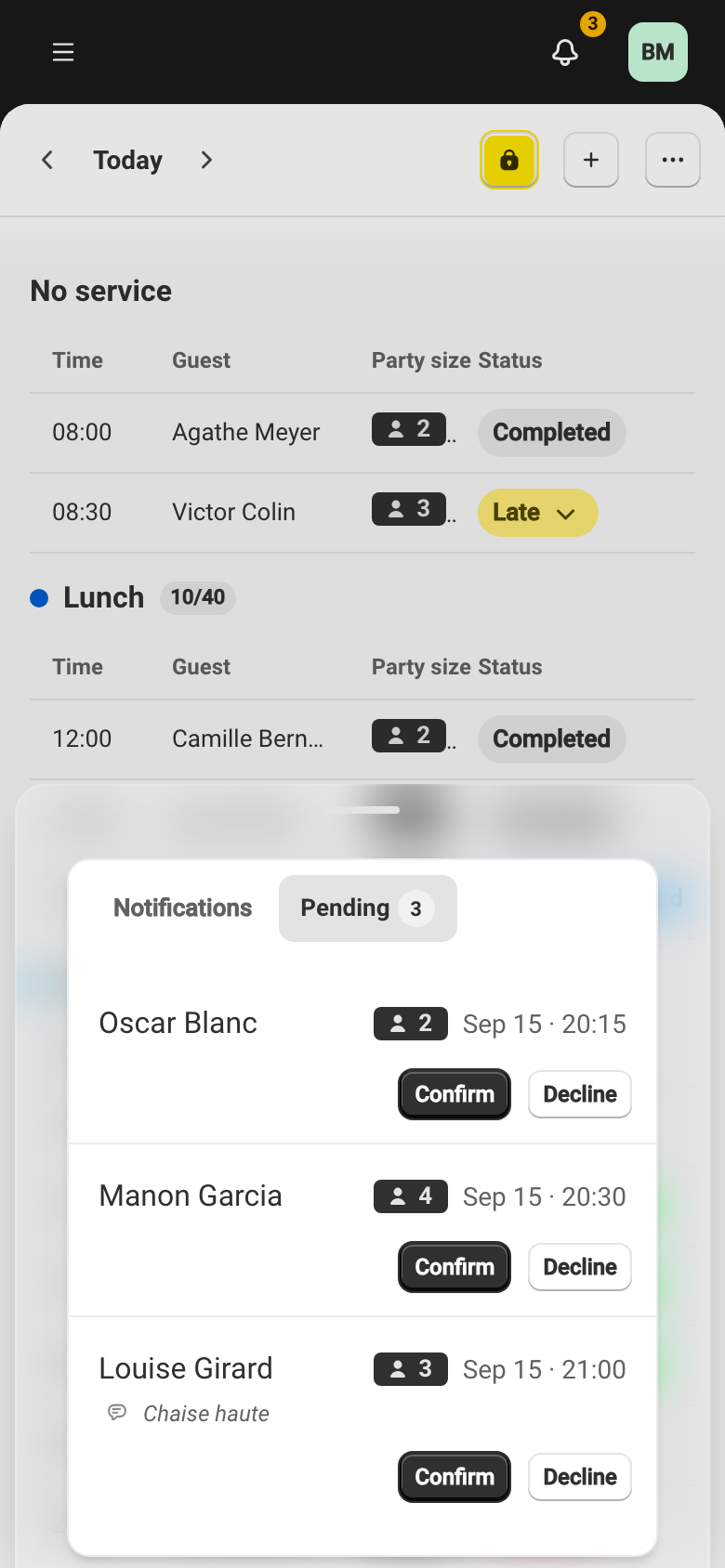
The notification center brings together, in one place, the alerts about your venue and the booking requests awaiting your approval. You open it from the bell at the top right of every page.
The bell and its badge
Section titled “The bell and its badge”The bell carries a badge whenever there is something to see. The number combines your unread notifications and the reservations awaiting approval; past 99 it shows “99+”. When requests are waiting for you, the badge changes color to flag it.
Two tabs
Section titled “Two tabs”- Notifications — the feed of alerts about your venue. Mark all as read clears the unread dots. Clicking an alert takes you straight to what it is about — the reservation in question, or the Feedback page for a satisfaction survey. When there is nothing, “Alerts about your venue will appear here”.
- Pending — the online reservations awaiting your approval. Each row is confirmed or declined on the spot with Confirm or Decline, or opened to review it. It is the same queue described in Approving reservations.
What triggers a notification
Section titled “What triggers a notification”The feed gathers your venue’s events: reservations (created, to approve, confirmed, modified, cancelled, declined, reminder), satisfaction surveys and feedback received, card guarantees (request, failed charge, dispute, refund…) and billing and payments alerts. Each type is set individually — in-app and as a push notification — in your notification preferences.