The guarantees to handle
The Guarantees screen gathers the card imprints protecting your reservations. It is limited to the owner and managers.
Guarantees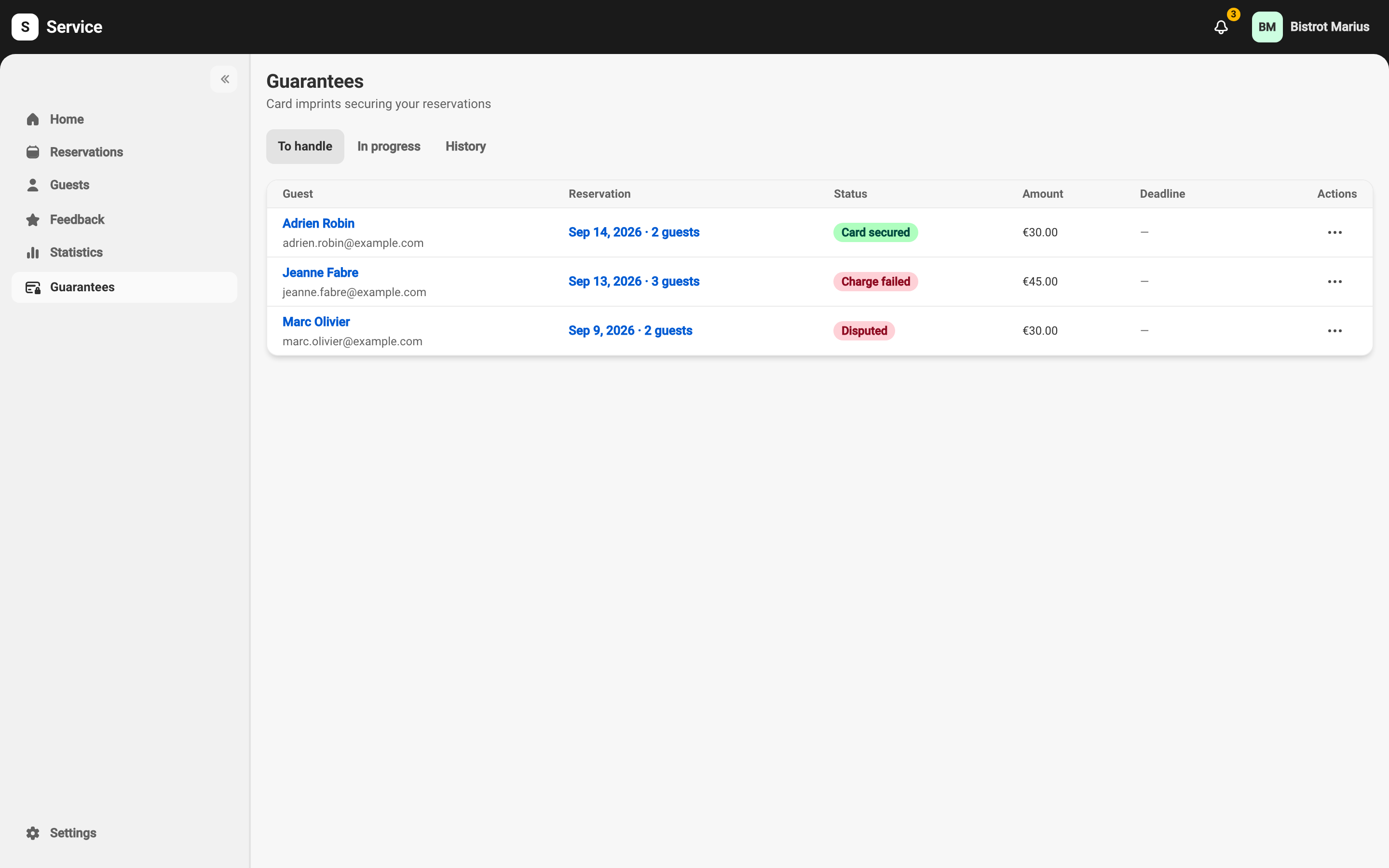
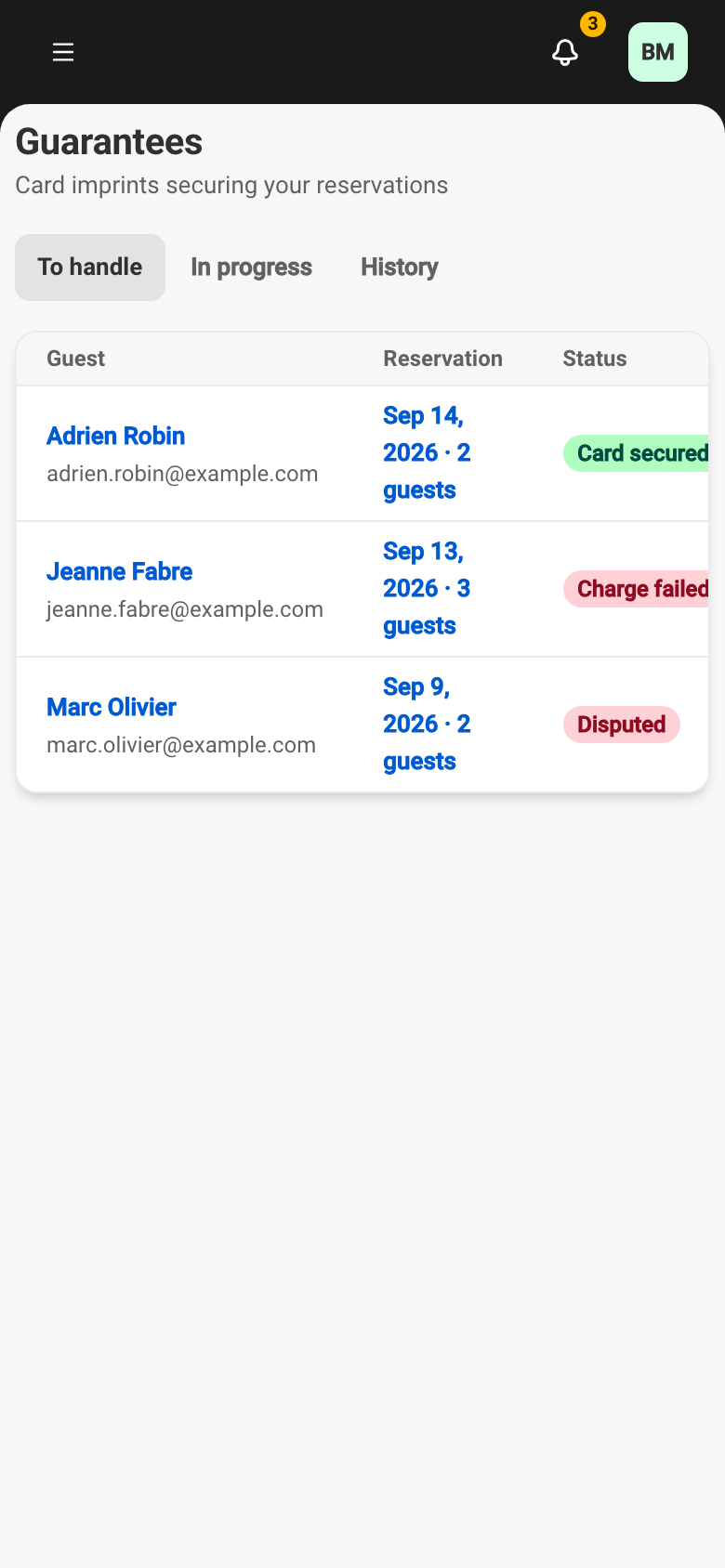
The three tabs
Section titled “The three tabs”- To handle — guarantees waiting on an action from you (a charge you can make, a failure to retry).
- In progress — active imprints on upcoming reservations.
- History — resolved guarantees.
Each row shows the Guest, Reservation, Amount, Deadline, Status and Actions columns.
A guarantee’s statuses
Section titled “A guarantee’s statuses”A guarantee carries one of ten statuses:
| Status | Meaning |
|---|---|
| Awaiting card | The guest still has to save their card. |
| Card secured | The card is in place and chargeable on a no-show or late cancellation. |
| Charged | The amount was charged to the card. |
| Partially charged | Part of the consented total was charged. |
| Charge failed | The charge was declined by the guest’s bank. |
| Refunded | A charged amount was returned to the guest. |
| Released | The imprint was given up; the card is no longer chargeable. |
| Expired | The deadline passed with no card saved. |
| Withdrawn | A guarantee request was withdrawn before payment. |
| Disputed | The guest is disputing a charge with their bank. |
A row’s actions
Section titled “A row’s actions”The action menu (the three dots) only shows the operations legal for the row’s state:
- Card secured — Charge (after a no-show or a late cancellation) or Release.
- Charged or Partially charged — Refund, or Prepare dispute evidence.
- Charge failed — Retry.
- Disputed — Prepare dispute evidence.
- Awaiting card, for a staff-sent request — Resend link or Withdraw.
- The resolved states (Released, Expired, Withdrawn, Refunded) offer no further action.
These operations are described in Charge, refund, or release an imprint, Manually request a card imprint and Fight a chargeback.
When a guarantee cannot be charged, the row explains why: Not chargeable — the reservation was never accepted, or Not chargeable — the 14-day window has passed.
Before you turn on payments
Section titled “Before you turn on payments”Until payments are set up, the screen introduces the feature and offers to set it up.
Capture d'écran attendue · Screenshot pending
screenshots/en-desktop/guarantees-list-empty-notconfigured.webpscreenshots/en-mobile/guarantees-list-empty-notconfigured.webpThe Guarantees screen before payments are set up, with a call to set them up.