Per-slot settings
By default, every slot of a service shares the same settings: the service’s capacity and duration. Per-slot customization lifts that for one specific slot — closing that slot to online booking, or giving it its own covers or duration.
It is how you split a service into two seatings — a first and a second seating. You leave only 7:00 and 7:15 pm bookable online, then 9:00 and 9:15 pm, and close the other slots to online booking. Guests then book only at those two times.
This setting lives in the service form, in the Per-slot customization card. See Services for the whole form.
Turning customization on
Section titled “Turning customization on”The Enable button opens the card and shows one slot per row. While it is off, every slot follows the service’s settings.
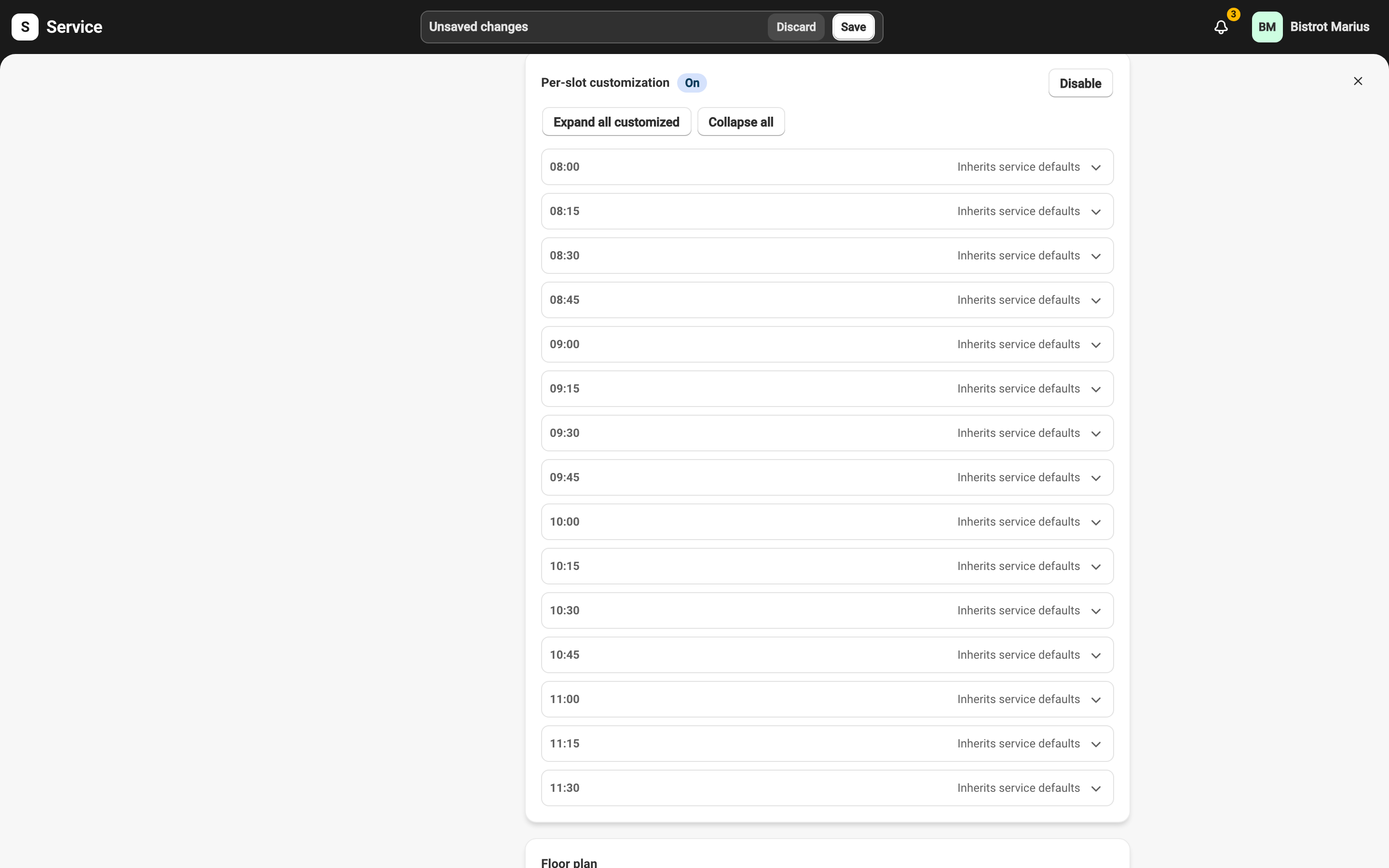
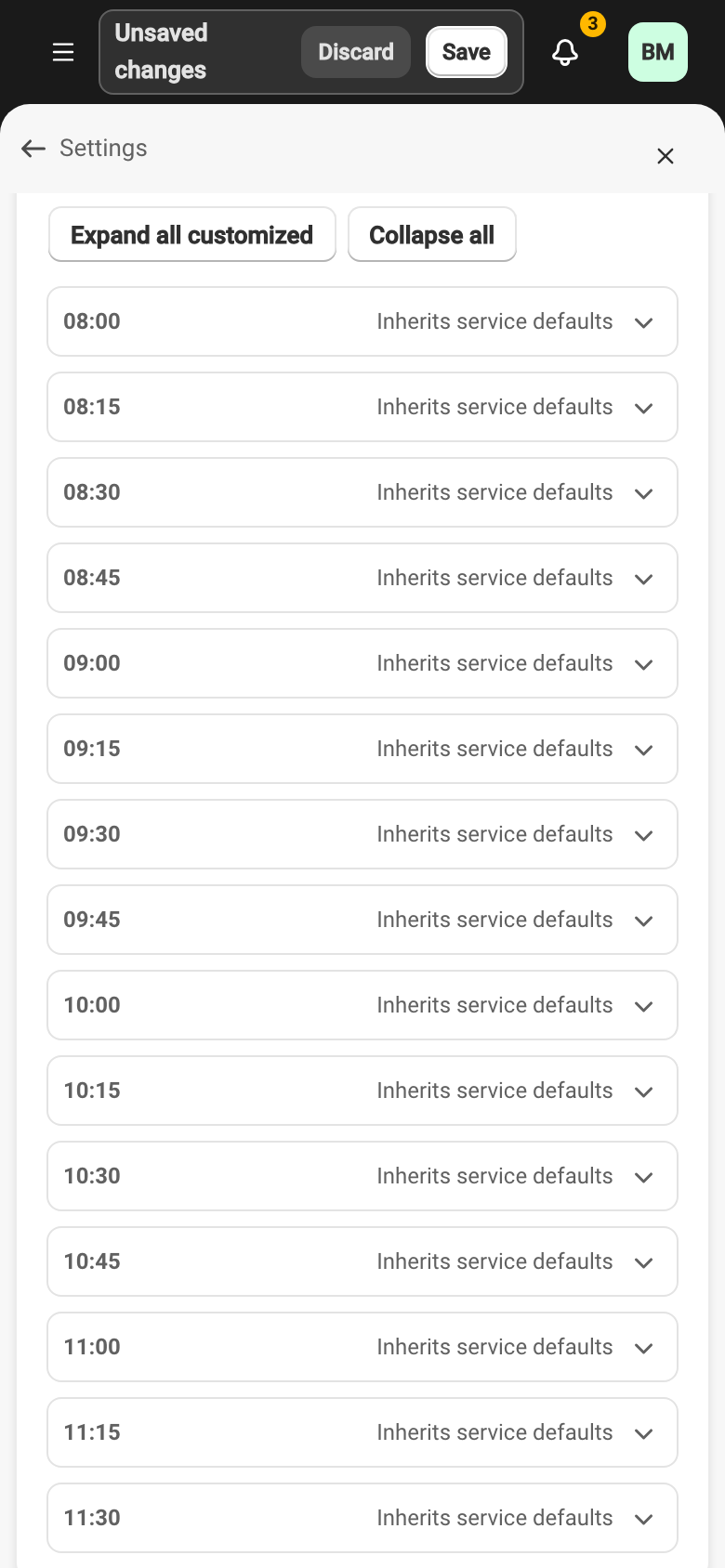
The slots shown come from the service’s start time, seating-until time, and slot interval. If no slots appear, check those three values on the service.
Setting a slot
Section titled “Setting a slot”Each slot expands into three settings:
- Bookable online — untick to close this slot to online booking, without touching the others.
- Maximum covers — this slot’s capacity.
- Reservation duration (minutes) — the time allowed for a reservation in this slot.
A field left empty falls back to the service’s setting. A changed slot carries the customized badge; Reset slot customizations returns it to the service’s settings. Expand all customized and Collapse all help you scan a long list.
Turning customization off while some slots are customized asks for confirmation: every slot then reverts to the service’s default settings.