Configure the satisfaction survey
The satisfaction survey sends your guests a short survey after their visit. You turn it on and configure it from a single screen.
SettingsGuest feedback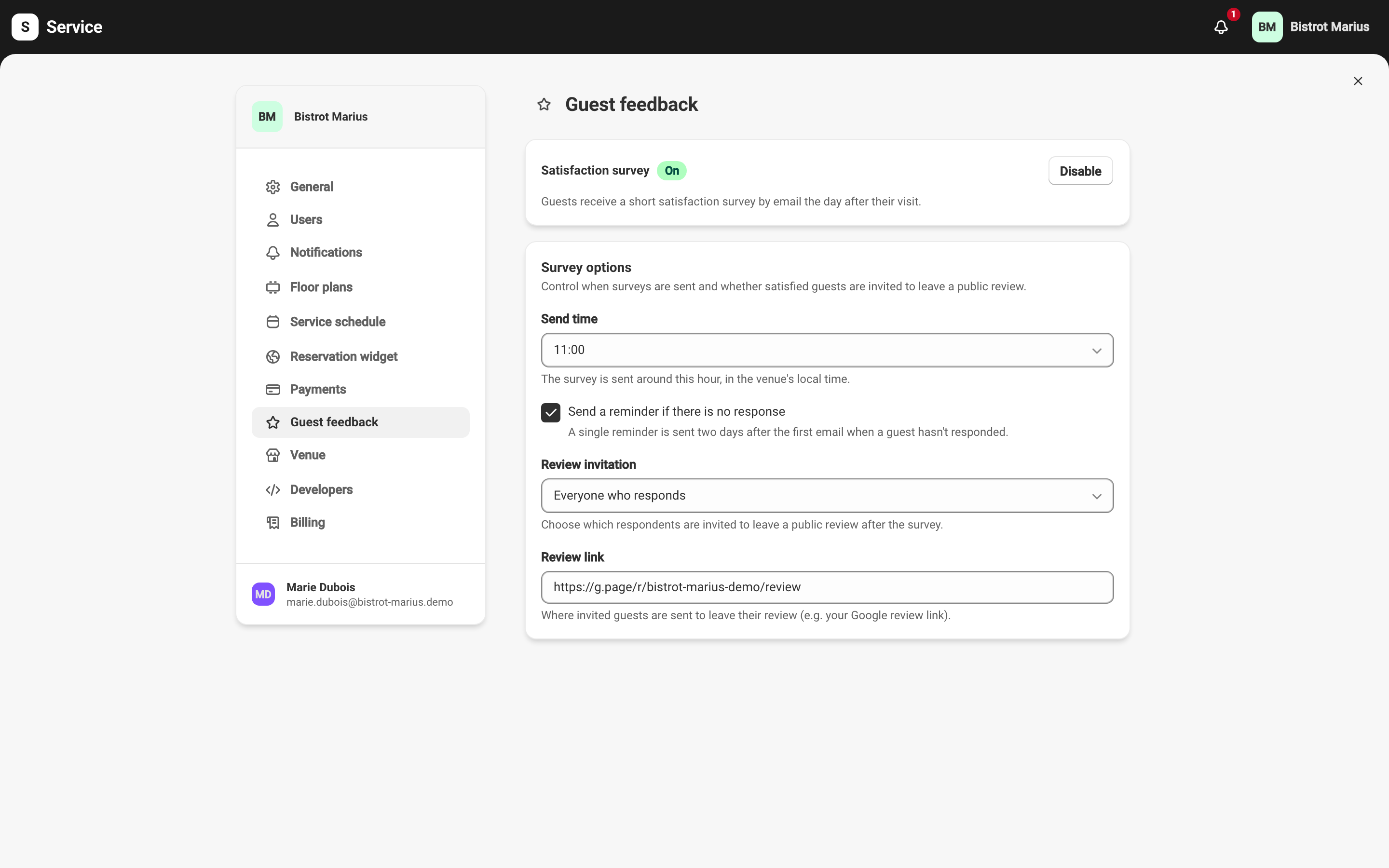
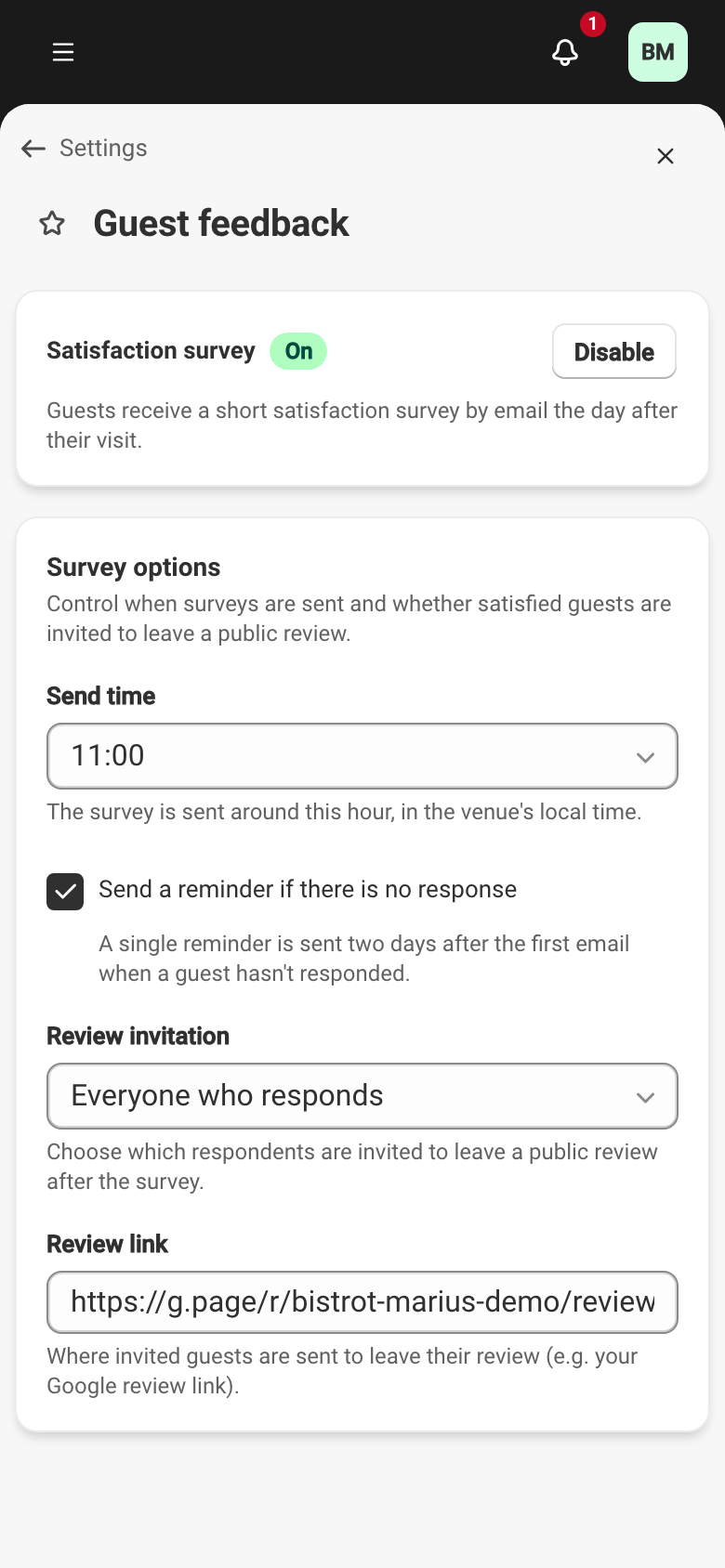
Turn the survey on
Section titled “Turn the survey on”The screen opens on the Satisfaction survey toggle, marked Off until you turn it on. Click Enable to start sending. Once on, the guest receives a short survey by email the day after their visit. Only reservations marked seated (including partially seated) or completed trigger a send — a reservation that did not take place receives nothing.
The same guest is not asked twice in a row: after a first survey, Service waits 90 days before sending them another, even if they visit again in between.
Survey options
Section titled “Survey options”The Survey options card controls when the survey is sent and the review invitation.
- Send time — the survey goes out around this hour, in your venue’s local time. A late-morning send gives the guest time to reply during the day.
- Send a reminder if there is no response — when this is checked, a single reminder is sent two days after the first email if the guest hasn’t replied. There is never more than one reminder.
- Review invitation — see below.
Invite guests to leave a public review
Section titled “Invite guests to leave a public review”After they reply, the guest can be invited to post a review. The Review invitation field offers three settings:
- Don’t invite — the guest sees a plain thank-you, with no invitation.
- Only fully satisfied guests (all 5 stars) — only the guest who gave the top rating in all three categories is invited.
- Everyone who responds — every guest who replies is invited, whatever their rating.
As soon as you choose to invite, a Review link field appears. Enter the address to send the guest to, for example your Google review link. This link is required: without it, set the invitation to Don’t invite.
What the guest receives and sees at each step is covered in What the guest receives. Responses come back to the feedback dashboard.