Handle a no-show
The time has passed and the guest never showed up. Marking the reservation as No-show frees the table and keeps a record of the absence on the guest’s profile.
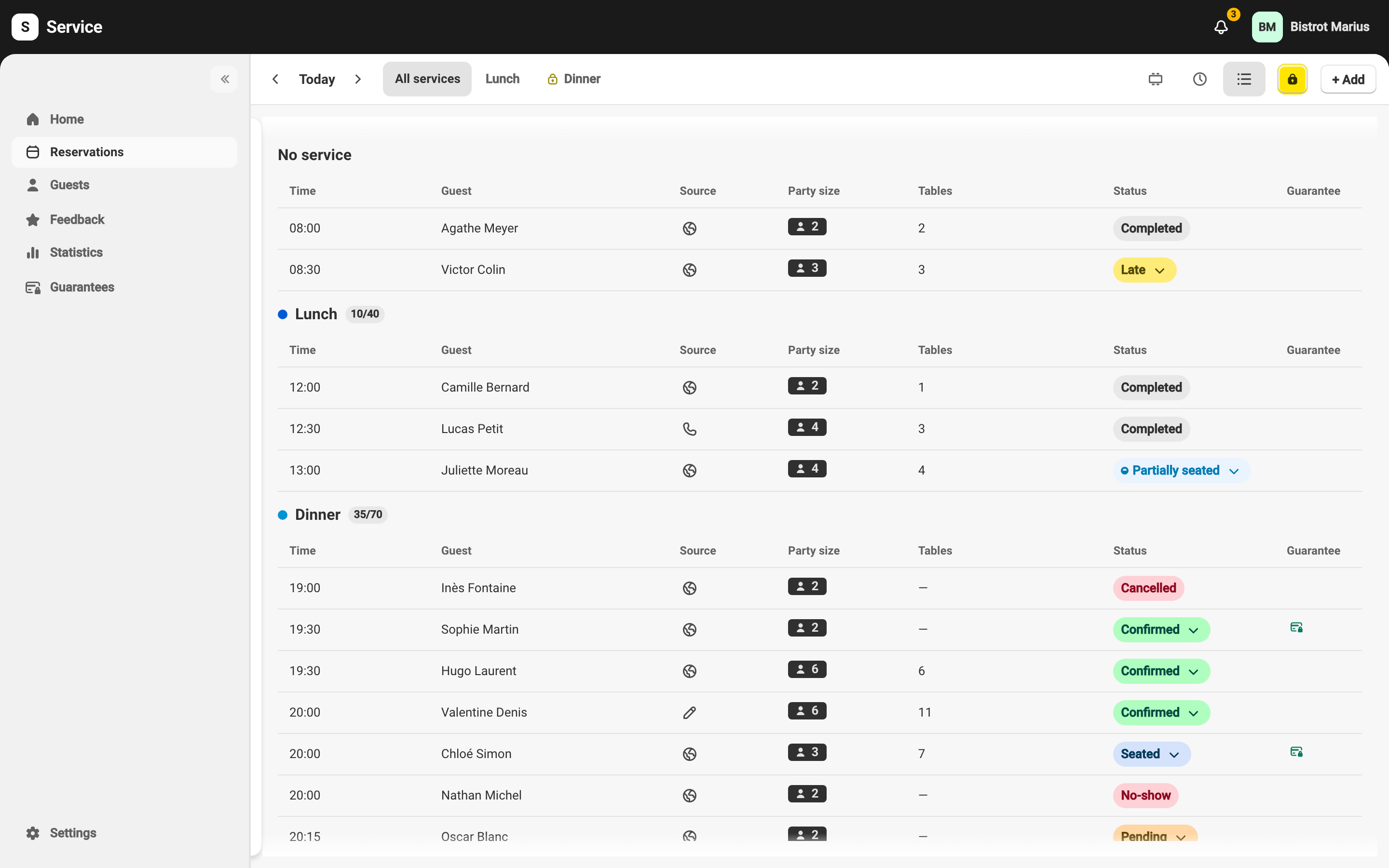
Mark the no-show
Section titled “Mark the no-show”-
In Reservations, open the reservation concerned.
-
From its status badge, choose No-show.
-
The reservation moves to the No-show status and a message confirms: “Reservation marked as no-show”. The table(s) are freed.
No-show or Cancelled?
Section titled “No-show or Cancelled?”The choice depends on what you know about the guest:
- No-show — the guest did not warn you and did not show up. The absence is recorded on their profile.
- Cancel — the guest let you know they would not come. The reservation then moves to Cancelled.