Closures
A closure marks the days your venue is fully closed. No reservation can be taken for a closed day, for any service.
Closures live in the Closures tab of the schedule page. Add closure opens the form. The tab separates Upcoming closures from Past ones.
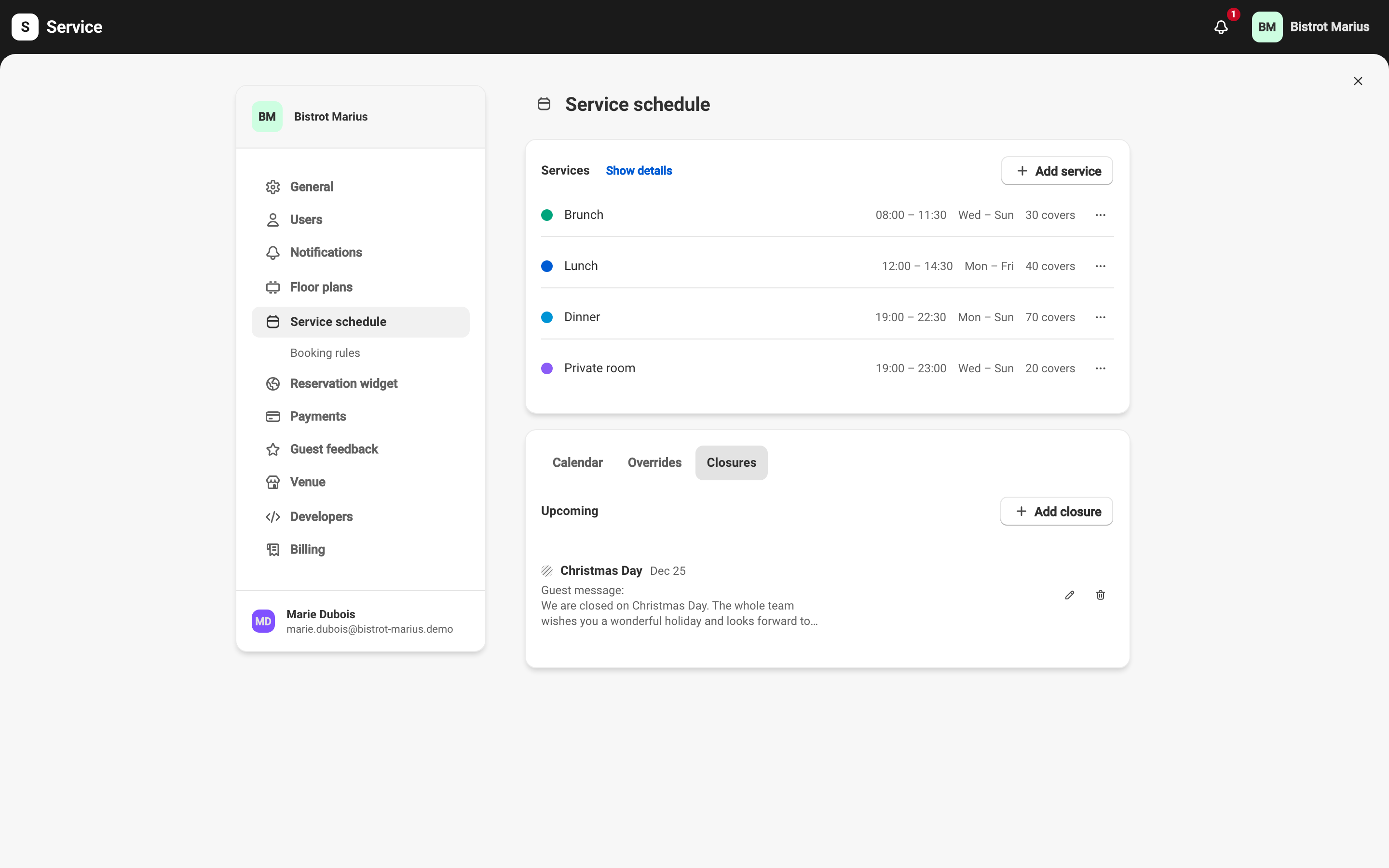
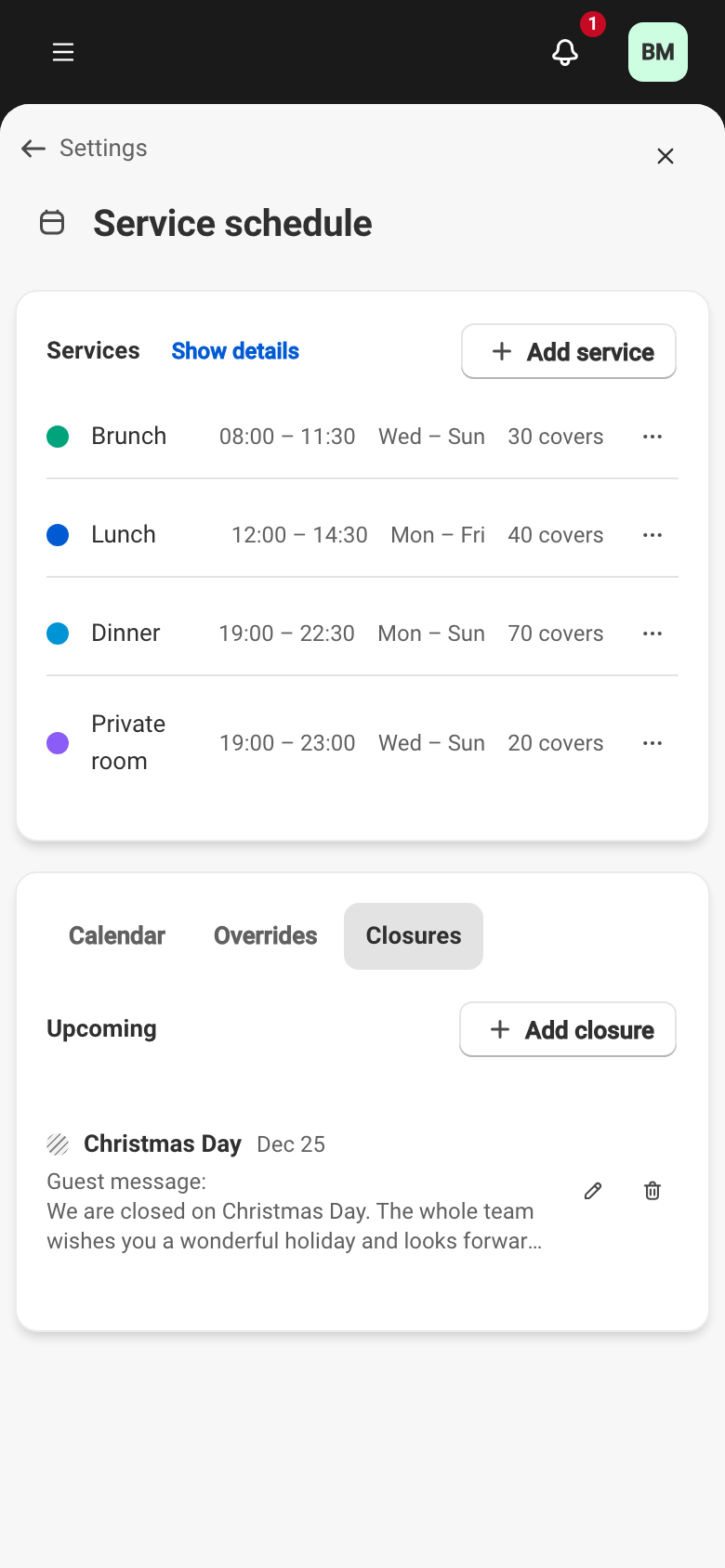
Creating a closure
Section titled “Creating a closure”The form is four fields:
- Closure name — for example
Annual HolidayorRenovation. - Closure date(s) — a Single day or a Date range.
- Guest message — shown to your guests when they try to book on those days.
- Internal note — seen by your team only, never by guests.
If the dates overlap an existing closure, a warning flags it before you save.
Closure or a “Remove” override
Section titled “Closure or a “Remove” override”A closure closes the whole venue for the day. To take one service out while the others stay open, use a Remove override instead — see Date overrides.