Your guest content languages
The Guest languages section chooses the languages your guests see in the booking widget. You write your content in one primary language and Service translates it into the others.
SettingsGeneral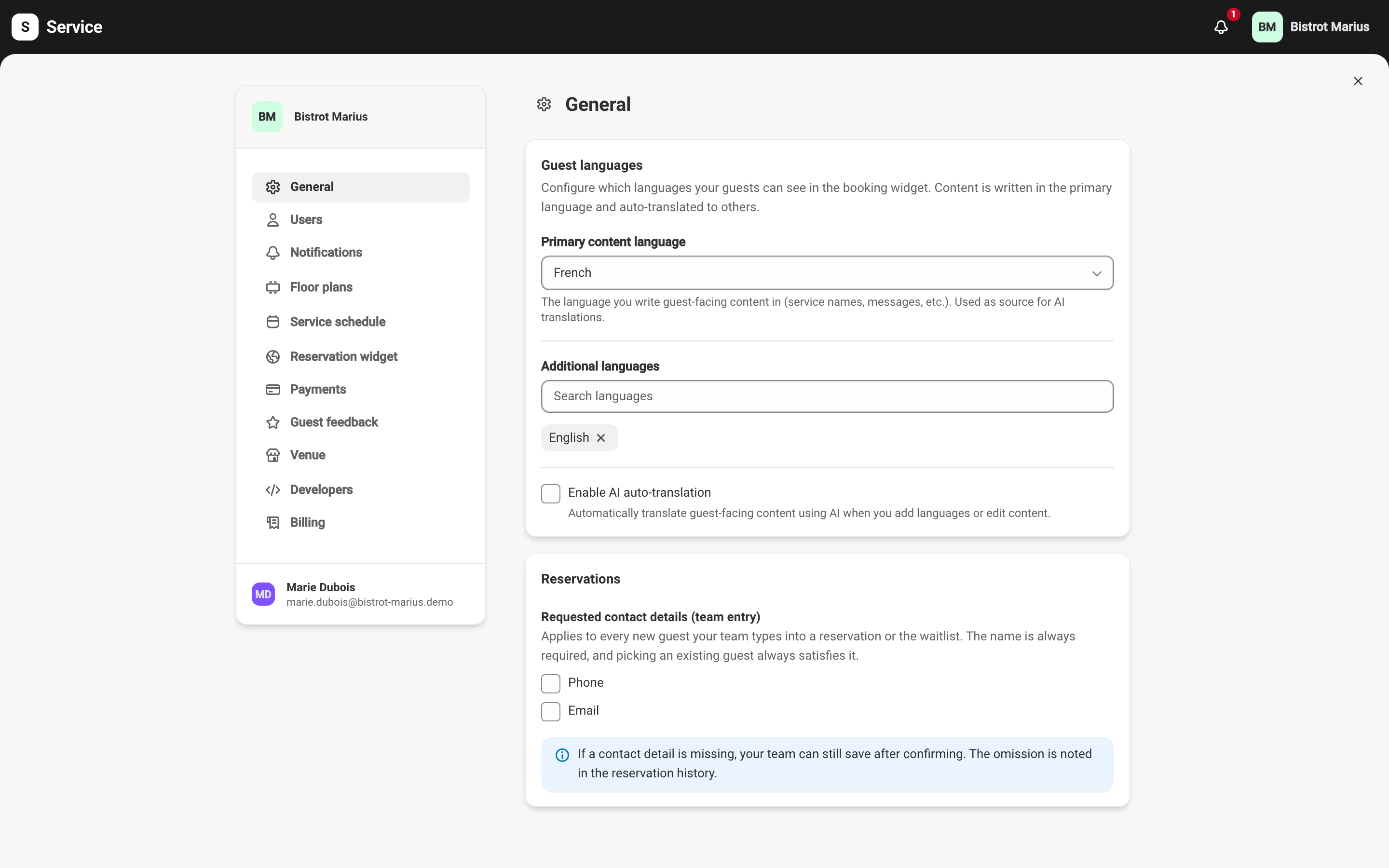
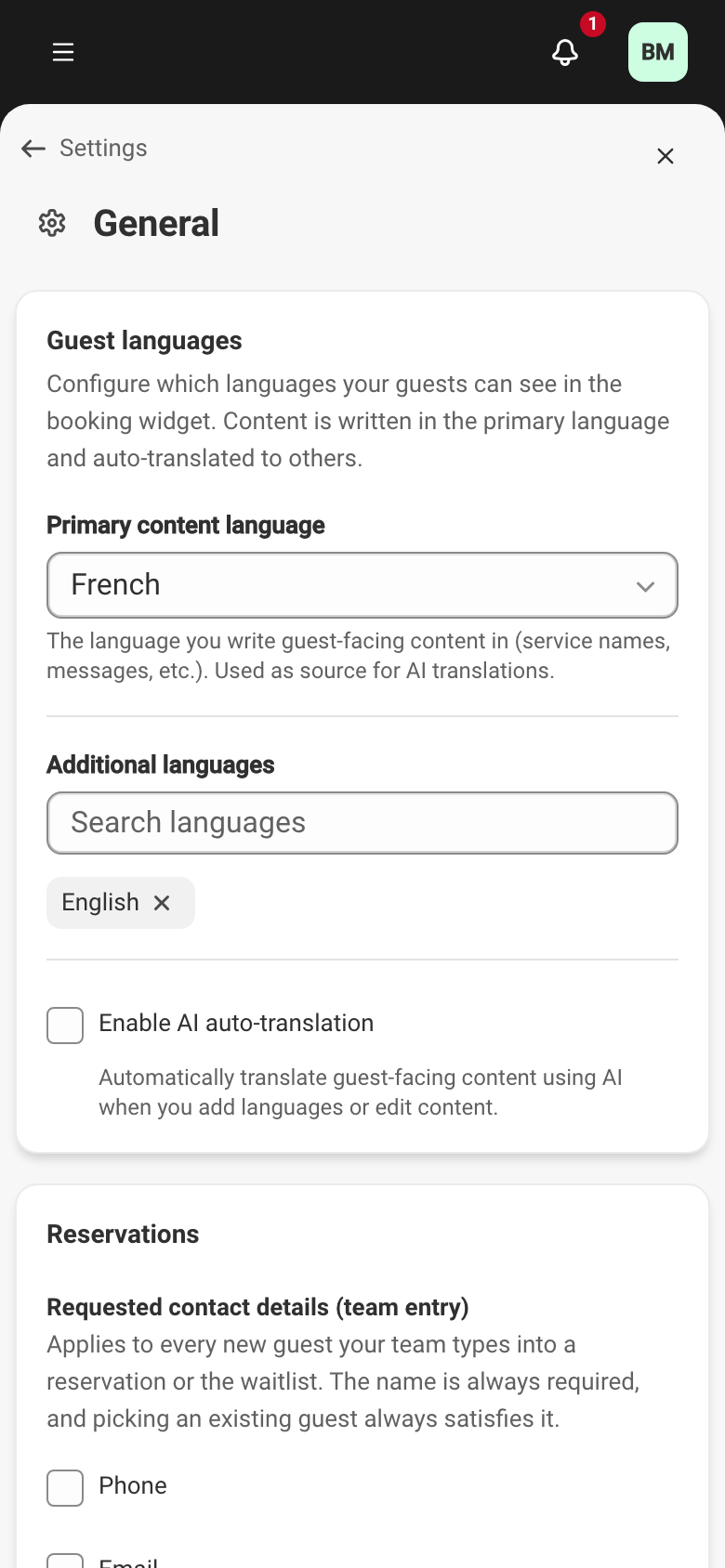
Primary and additional languages
Section titled “Primary and additional languages”- Primary content language — the language you write guest-facing content in: service names, messages and the rest. It is the source for AI translations.
- Additional languages — the other languages offered to your guests. Eleven languages are available: French, English, German, Spanish, Italian, Dutch, Portuguese, Danish, Swedish, Norwegian and Finnish.
AI auto-translation
Section titled “AI auto-translation”The Enable AI auto-translation checkbox translates your guest content automatically when you add a language or edit some text. When it is on, a Translation style instructions field appears: up to 200 characters to guide the tone of translations, for example addressing guests informally or keeping a formal register.
If you turn AI translation off, the translations already produced are kept; keeping them up to date is then up to you.
What saving triggers
Section titled “What saving triggers”Languages are set like the rest of the settings, with the save bar at the top of the screen — see Venue information. Depending on the change, saving warns you of its effect:
- Adding a language — Service translates all existing content into that language.
- Changing the primary language — new content must be written in that language; with AI on, translations are regenerated from the new source, and your manual edits are preserved.
- Changing the style instructions — the AI translations are redone with the new instructions, without touching your manual edits.
Once several languages are configured, each translatable field is managed on its own — see Translatable content.
This screen also sets the contact details your team must enter to create a guest profile.