Companies
A company does two things: it shows who books on its behalf, and it keeps the billing details of an account that comes back. The directory belongs to your venue — two venues never share their companies.
Where to find them
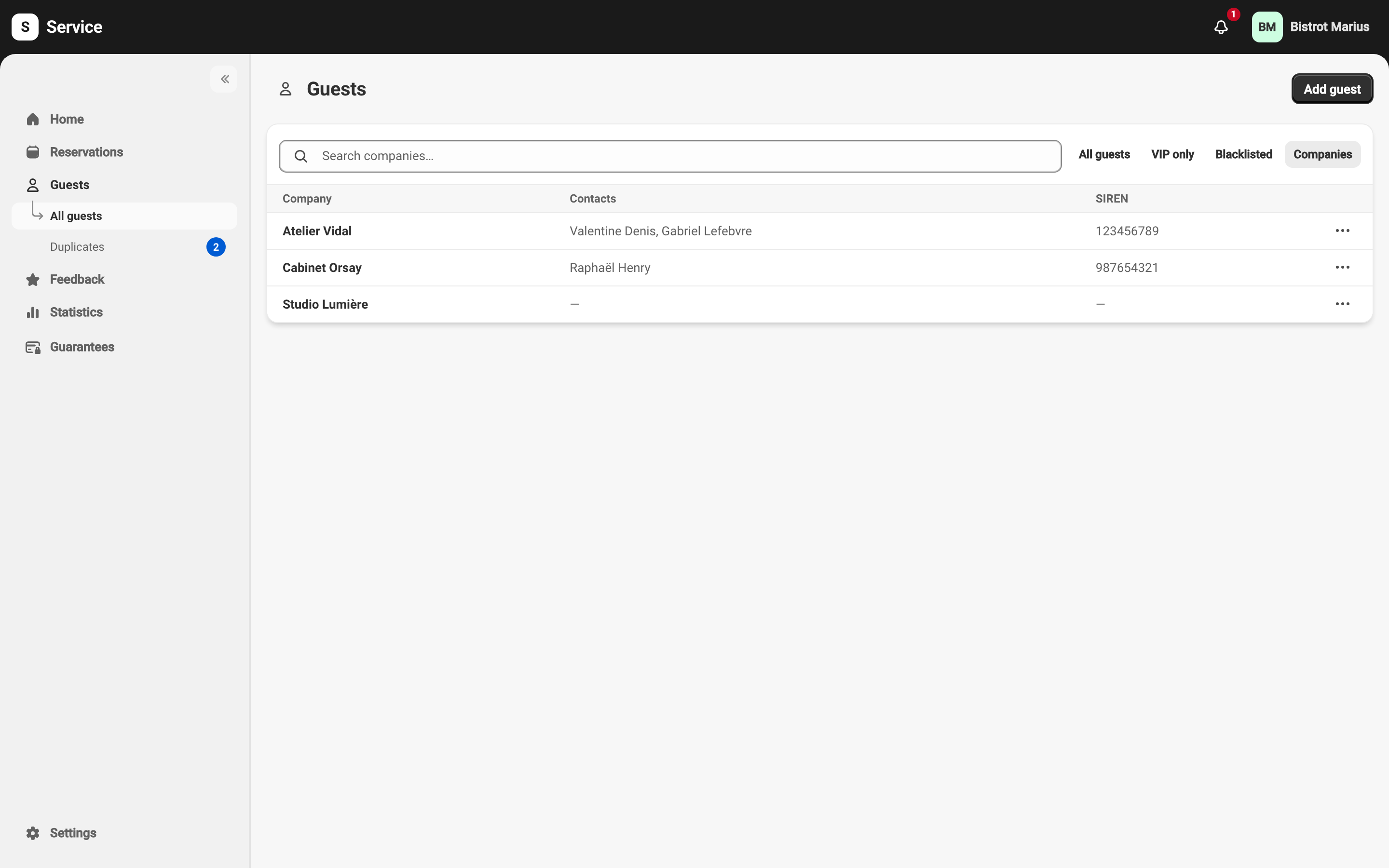
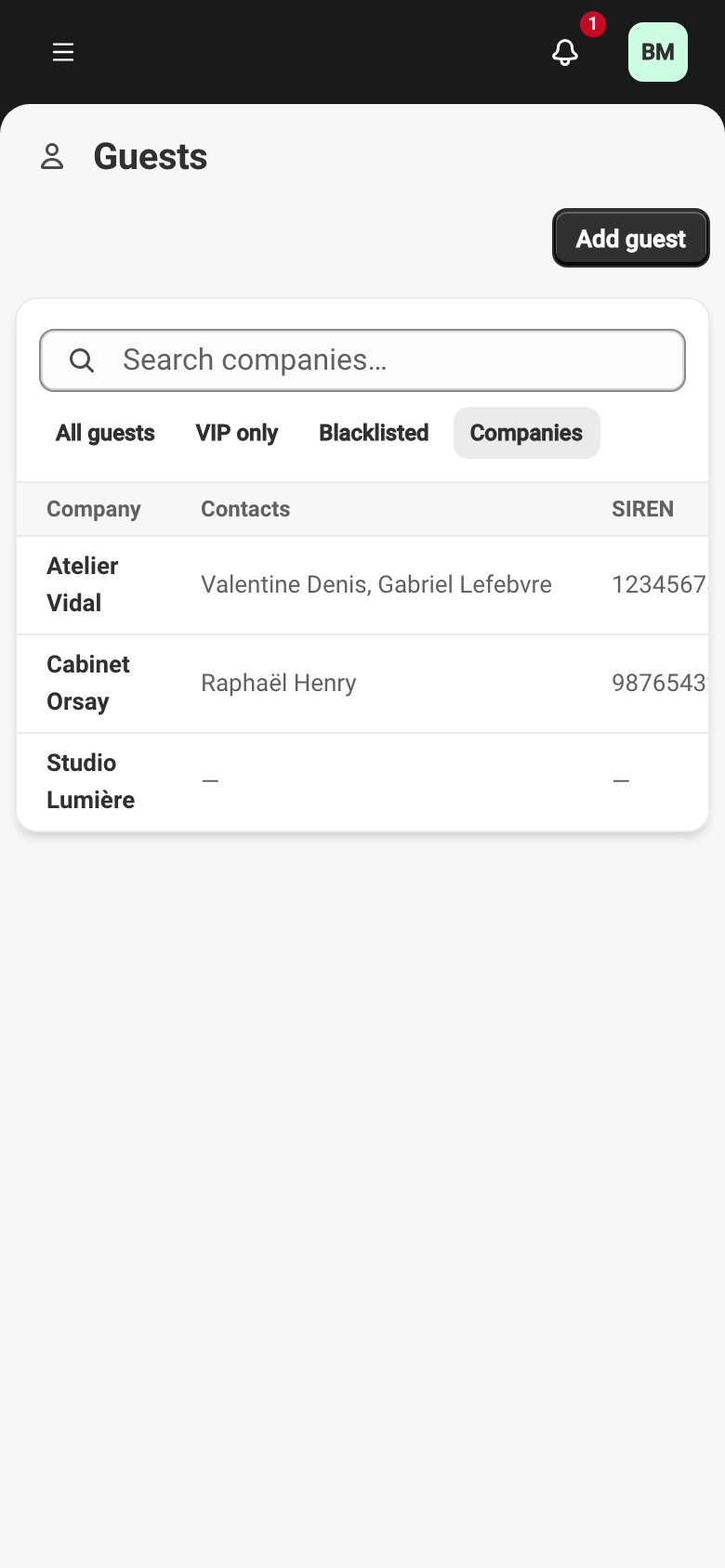
Section titled “Where to find them”Companies live in a tab of the Guests page.
GuestsThe Companies tab only appears once the first company exists: while the directory is empty there is nothing to open.
Creating one
Section titled “Creating one”A company is created as you go, never in a form of its own: from the reservation form’s search, or from the Usual company field on a guest’s profile.
Either way, the search shows you close names already on file first, so that you reuse the one that exists rather than add a near-identical twin. A name can only be used once in the directory.
Linking it to a reservation or a guest
Section titled “Linking it to a reservation or a guest”A reservation can be taken on behalf of a company; the guest stays a person. A guest can also have a usual company: it is then suggested by default whenever they book, and the form offers to keep as usual a company picked for a guest who had none.
A waitlist request carries no company. A reservation sent back to the waitlist therefore loses its own.
The company record
Section titled “The company record”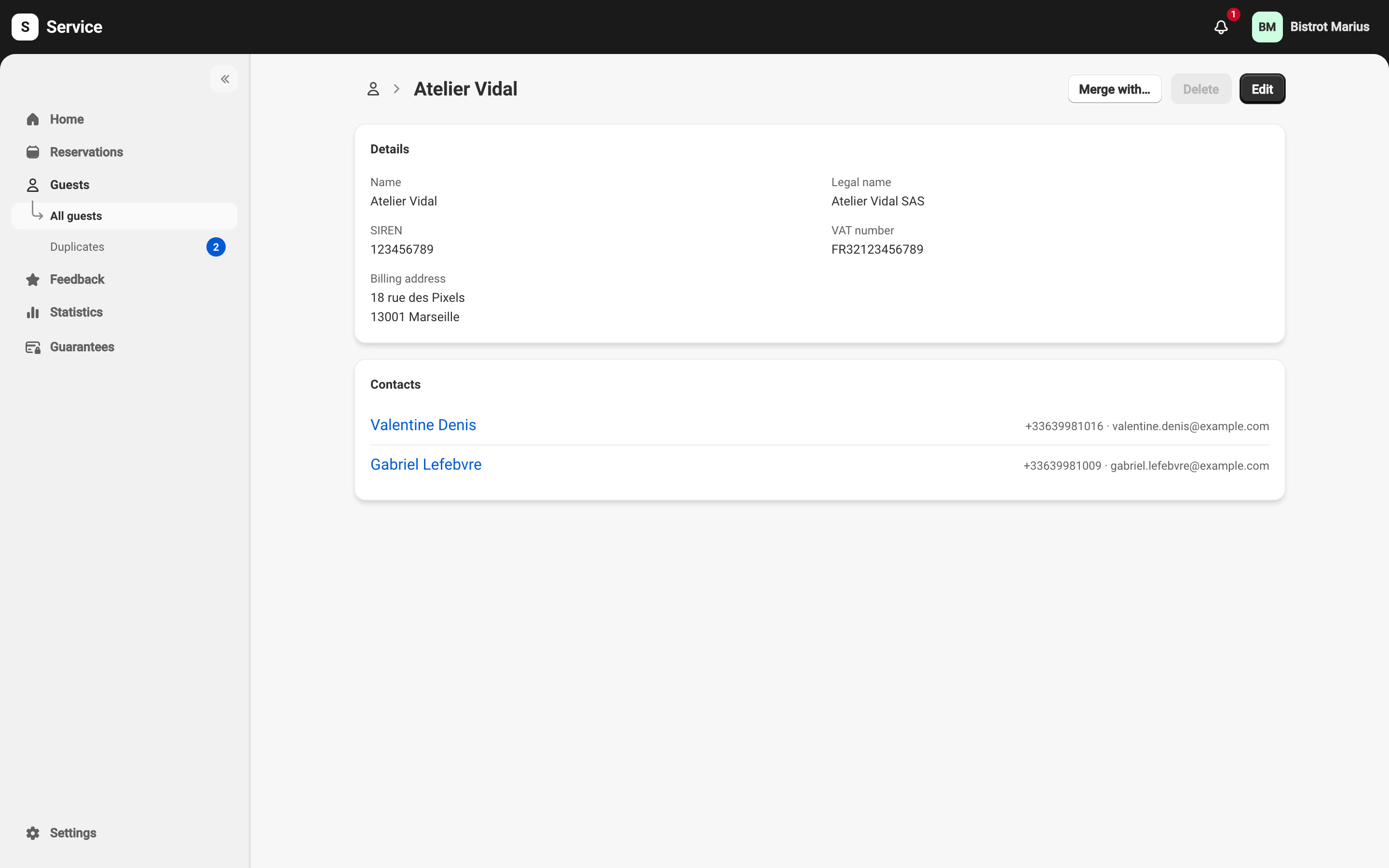
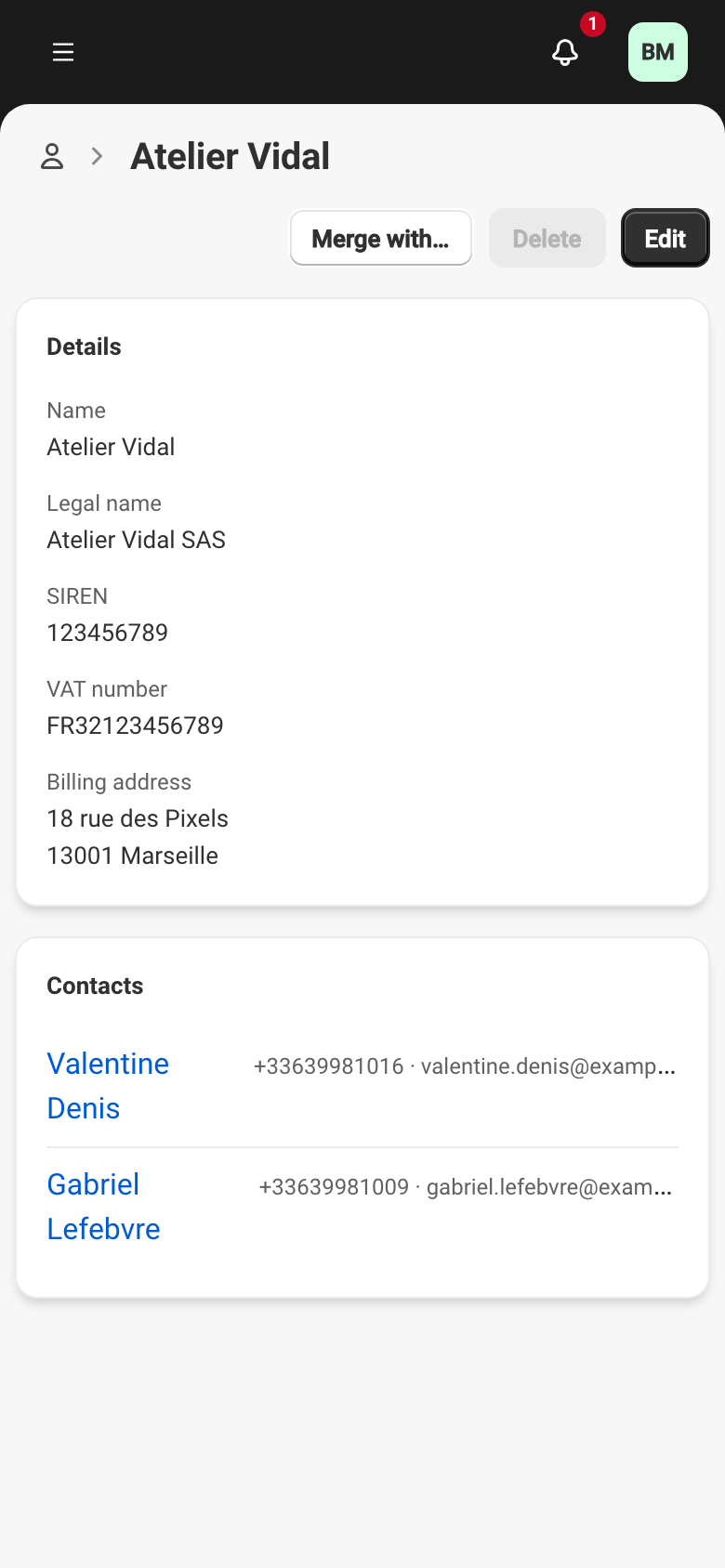
The record holds the company’s details — including the ones you need for your own invoices, which Service never uses to bill you — and its contacts, meaning the guests who have it as their usual company. That list fills from guest profiles, not from here.
Roles without write access see the record without the edit and delete buttons.
Deleting or merging
Section titled “Deleting or merging”Deleting a company cannot be undone, and the guests who had it as their usual company lose it. As soon as one booking has been made on its behalf, deletion is refused — which is why Delete is greyed out on the record above: Service asks for a merge instead, so that those bookings keep a company.
Merging means choosing the company to keep. The bookings and guests attached move over to it, the billing details it is missing are copied from the one being removed, and that one is deleted. A merge cannot be undone — unlike a merge of two guest profiles, described in Merging two guest profiles.