Reservation detail
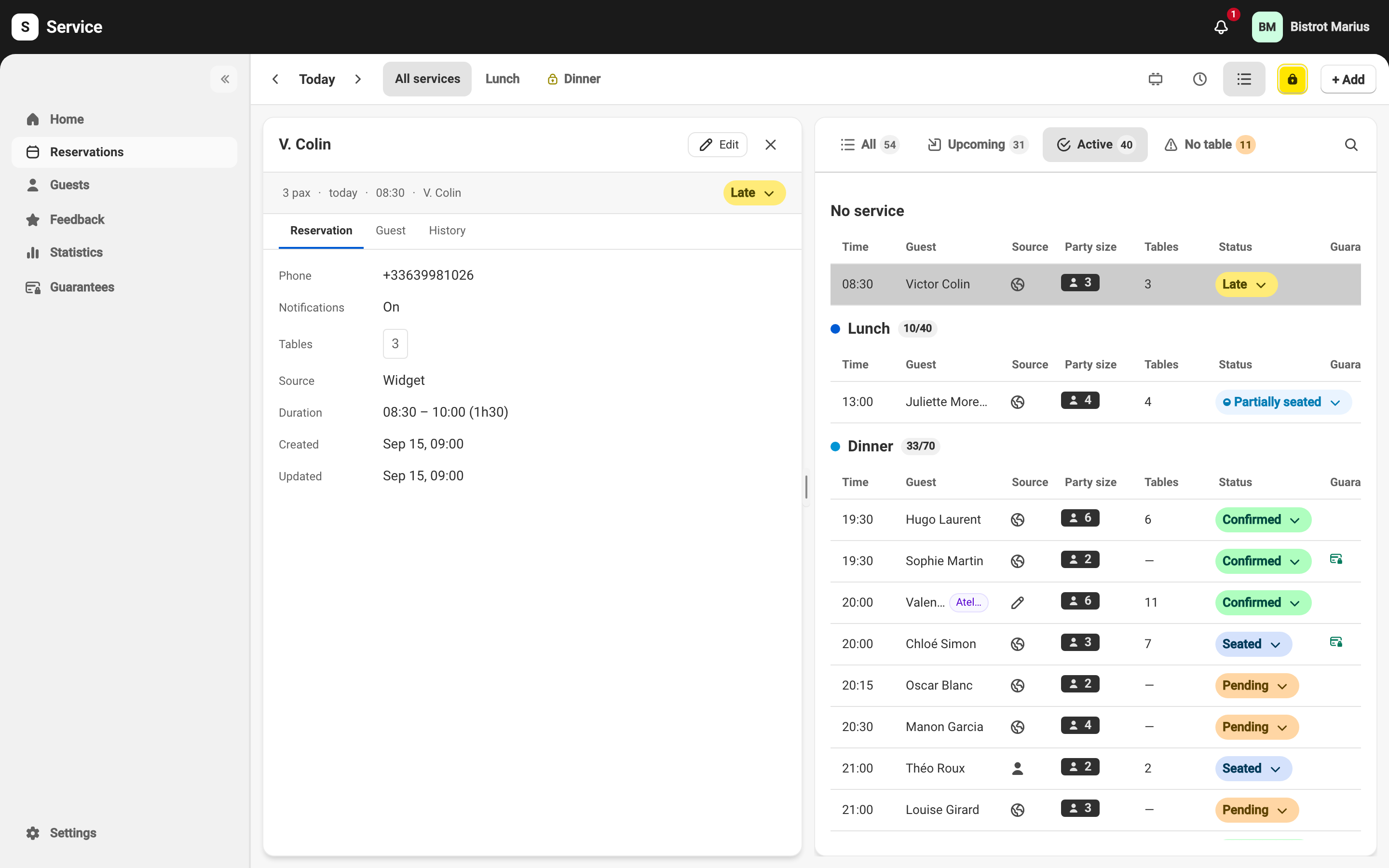
Selecting a reservation opens its detail panel in the side pane of the Reservations page. The header carries the status badge, which is also the button to change status — see Reservation statuses.
Three tabs
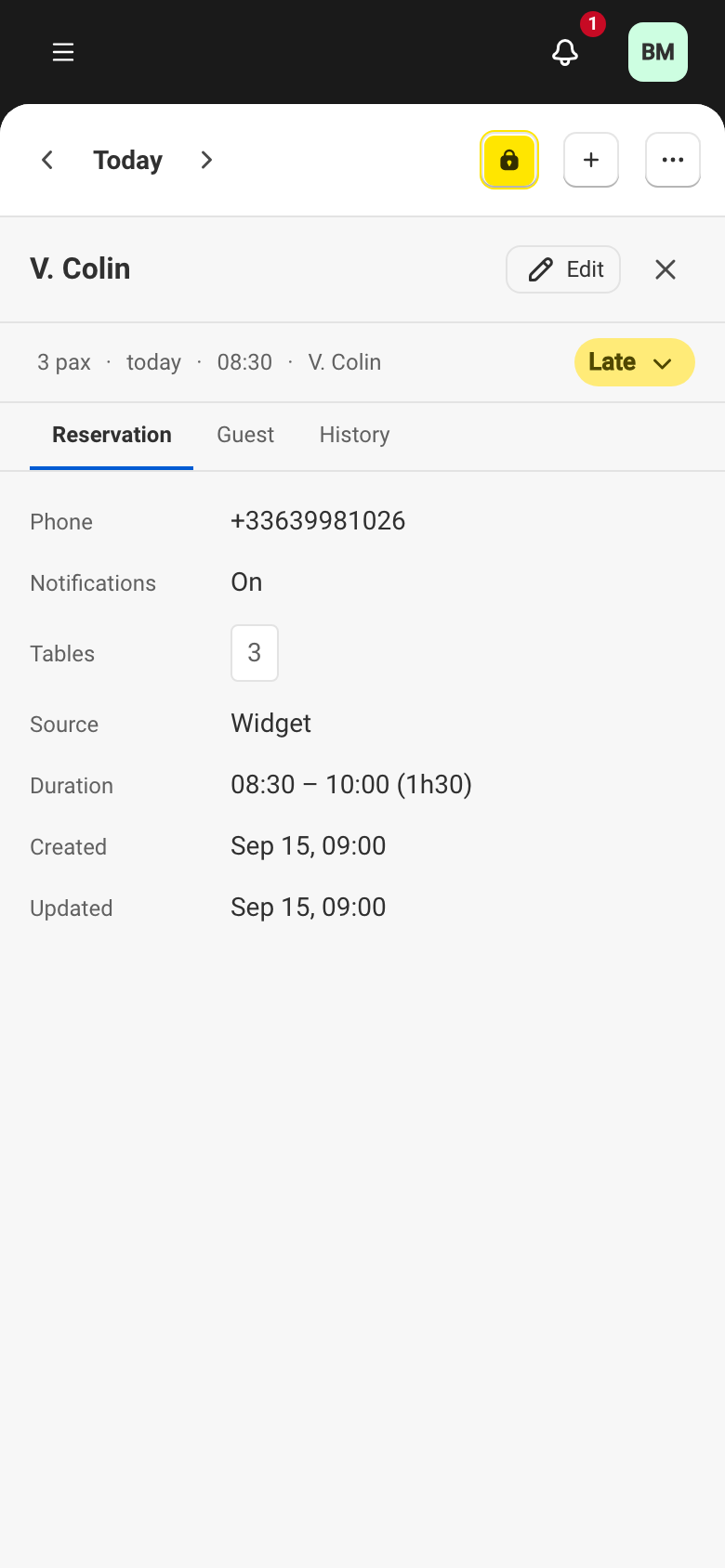
Section titled “Three tabs”The panel has three tabs: Reservation, Guest and History.
The Reservation tab shows the reservation’s information: Party size, the date and Time, Tables, the Source (for example Walk-in for an arrival with no reservation), Phone and Email, the Guest request and the Guest note. When the booking was taken for a company, an On behalf of row names it — see Companies. Two settings also appear:
- Notifications — On or Off for this reservation. A reservation imported from another reservation platform shows Off (imported reservation): Service never writes to the guest of an imported reservation.
- Service limits — Not counted when the reservation is excluded from the service’s cover limits.
Two rows appear only on a reservation made by a system you connected through the API — see API keys:
- Guest messages — Handled through the API: Service sent the guest no confirmation and no reminder; that system handles it.
- Hold — for a Held table that never became a reservation, who ended it: Expired, Released through the API or Released by the venue.
The Guest tab shows the attached guest’s profile. The History tab traces the reservation’s path — see Reservation history.
What changes by state
Section titled “What changes by state”The panel adapts to the reservation:
- At the top, the status badge is also the button to change status — see Reservation statuses. The Edit button opens the reservation form.
- A reservation in a terminal status opens read-only: its information can no longer be edited.
- A card guarantee adds a guarantee line showing its state — for example Awaiting card, Card secured or Charged — with the actions to manage it. How guarantees work is covered in the Guarantees section.
- A contact that differs from the guest profile — when the submitted details don’t match the stored profile — is flagged with differs from profile, so you can check identity on arrival.